Real estate photography tools
Real Estate Photography Tools: The Modern Stack for Photos, 3D Tours, Floor Plans, and More
The modern real estate photography toolkit is no longer just a camera, lens, tripod, and editing software. Many clients now expect photos, 3D tours, floor plans, panoramas, videos, point clouds, 3D models, and CAD-related outputs from one property media workflow.
That shift changes how photographers choose tools. A practical real estate photography solution should help you capture a property once, package the right outputs, and deliver assets that agents, brokers, developers, and property teams can actually use.
What Counts as Real Estate Photography Tools Today?
Real estate photography tools used to mean still-photo gear: camera bodies, lenses, tripods, flashes, and editing apps. Those are still important. But the modern stack also includes spatial capture devices, 3D tour platforms, floor plan workflows, hosting tools, and export options for teams that need reusable property data.

The right stack depends on what you sell. A starter listing package may only need strong photos. A premium listing package may need photos plus a 3D tour and floor plan. A commercial, renovation, or AEC-adjacent project may need point clouds, 3D models, and CAD-related outputs.
Camera, lens, tripod, lighting, editing software, and delivery galleries for strong listing coverage.
Capture and hosting tools that help buyers, renters, and stakeholders understand a space remotely.
Tools that capture visual and spatial data for more advanced property media and documentation workflows.
Platforms that turn capture data into shareable links, floor plans, panoramas, point clouds, and other files.
The Modern Real Estate Photography Equipment List
A useful real estate photography equipment list should start with the services you plan to sell. Buying every tool at once is rarely the best path. Build the stack around the deliverables your clients understand, then add more advanced capture when your packages can support it.
A dependable still-photo camera remains the base for listing galleries, exterior shots, detail images, and agent marketing assets.
A quality wide lens helps show rooms clearly without making the property feel distorted or misleading.
A stable tripod improves composition, exposure consistency, and low-light interior work.
Portable lights or flashes can help balance interior scenes when natural light is not enough.
Aerial visuals can support exterior context where the property, local rules, and project budget make drone work appropriate.
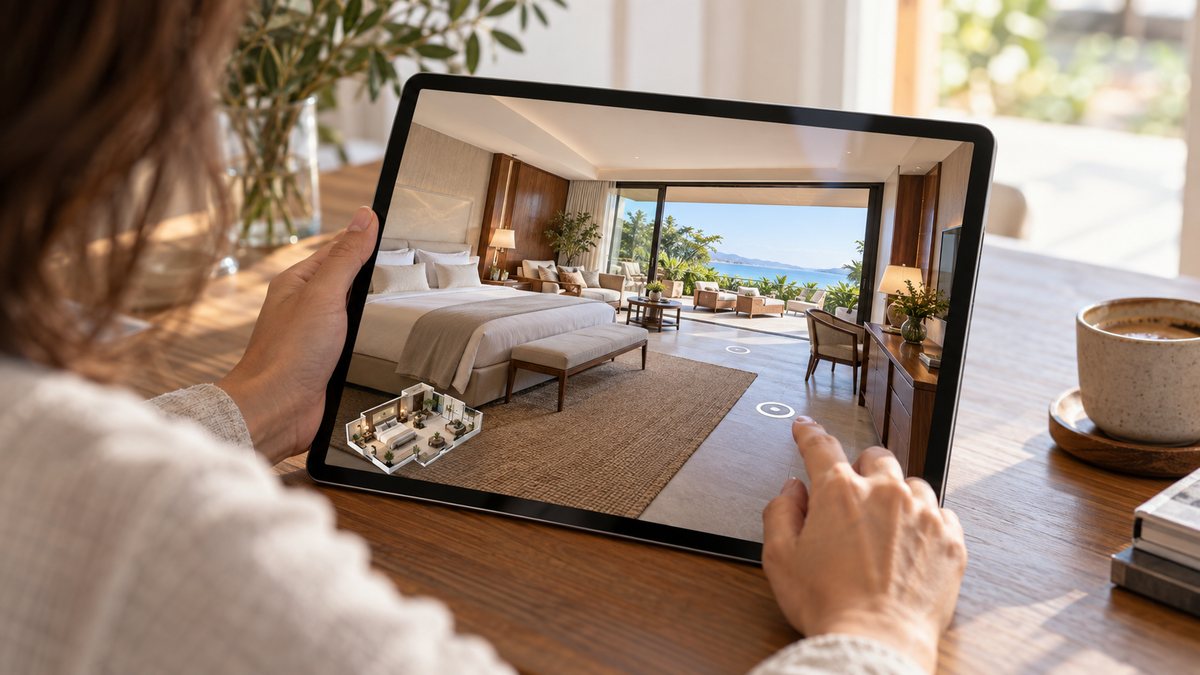
Use immersive capture when the client needs remote viewing, a tour link, or a stronger digital property experience.
A 3D LiDAR camera for real estate photography becomes useful when visual quality and spatial data both matter.
A strong platform helps convert capture data into real estate photography deliverables clients can view, share, download, or hand off.
Tools for Photos, 3D Tours, Floor Plans, and Spatial Deliverables
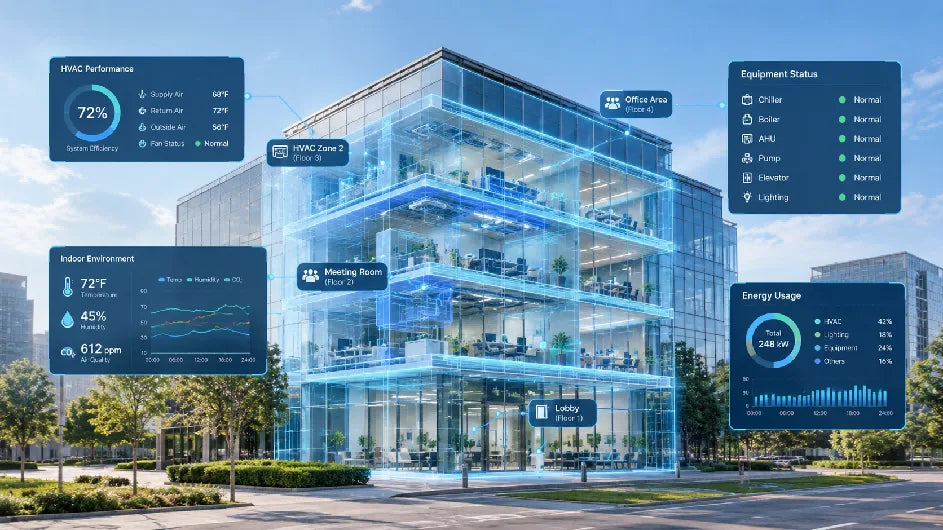
The best tools for real estate photographers are the ones that connect capture to client value. Realsee's official pages describe workflows that can support a 3D tour, RAW images, 16K panoramas, videos, 3D snapshots, floor plans, 3D models, and point clouds from scan-based workflows, with availability depending on project type and workflow.

For a photographer, that means one site visit can become more than a photo gallery. A strong stack can turn capture into floor plans, point clouds, 3D models, and CAD-related outputs for clients who need marketing assets, spatial documentation, or downstream handoff files.
Still images remain the most familiar deliverable for portals, brochures, email, and social media.
Interactive tours help remote viewers understand layout, movement, and room relationships.
Immersive panoramas and extracted snapshots can support both viewing and marketing use cases.
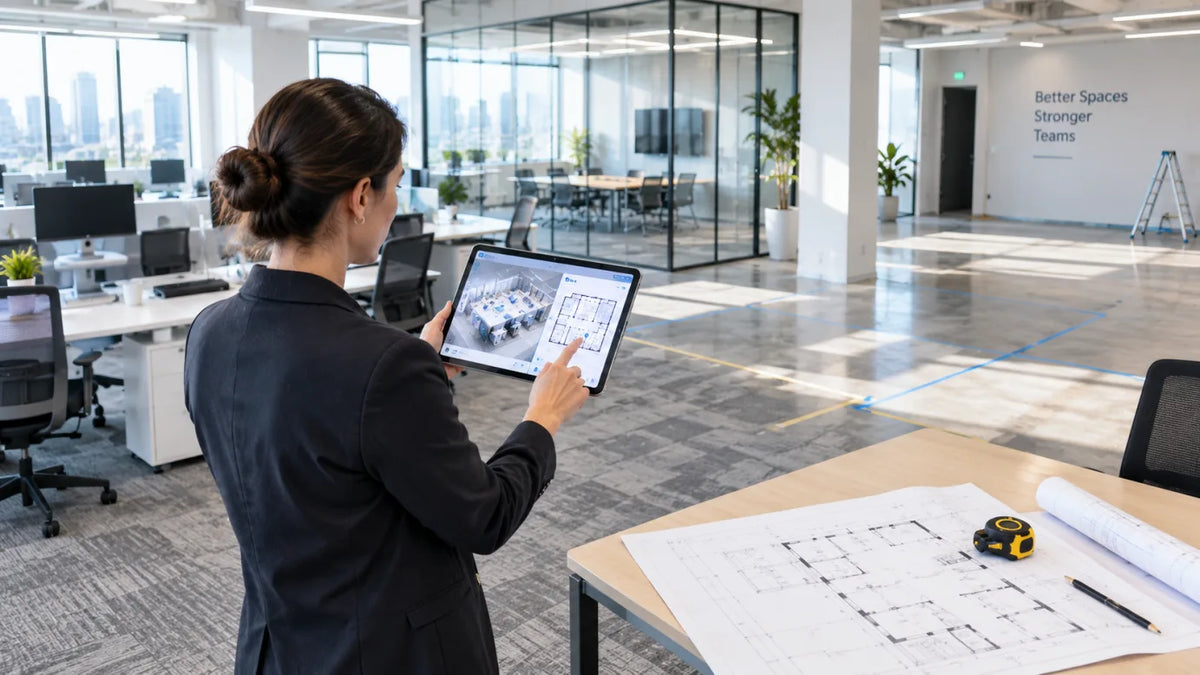
Floor plans help buyers, renters, and property teams read a space quickly and compare layouts.
Point cloud exports can support spatial review, documentation, and compatible downstream workflows.
3D model outputs can give teams a reusable digital asset when the project needs more than visual browsing.
Where Galois P4 Fits in the Real Estate Photography Tool Stack
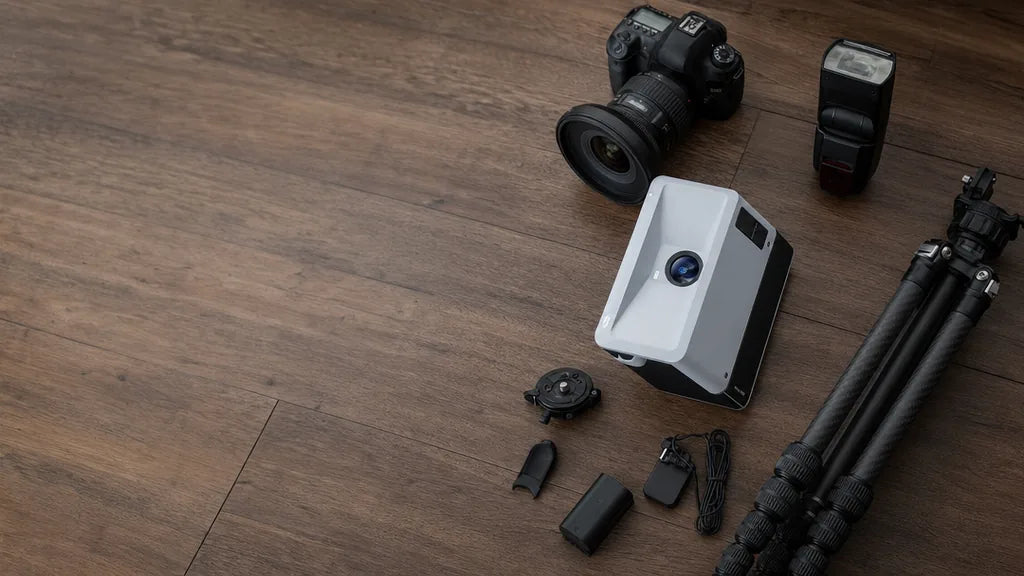
Galois P4 3D LiDAR Camera is not the first tool every photographer needs. It fits when a business is ready to offer higher-value property media packages that combine visual capture with spatial data. Realsee positions Galois P4 for real estate photographers and other professional users who need LiDAR-backed capture, 3D tours, visual documentation, and export workflows.

The value is not a single specification. The value is that a photographer can capture a property once and support multiple outputs through Realsee workflows: 3D tours, panoramas, floor plans, point clouds, 3D models, CAD-related outputs, and other project-dependent deliverables.
Supports high-detail panoramic visuals for premium property media workflows.
Helps teams keep capture efficient when moving through a property scan by scan.
Supports professional spatial capture for larger or more demanding property environments.
Creates spatial data that can support exports and downstream documentation workflows.
Connects capture to Realsee deliverables such as tours, floor plans, point clouds, models, and CAD-related outputs.
Local package note: the P4 image above is copied from the approved Realsee official product image collection. It is not AI-generated. Replace local image paths with Shopify Files CDN URLs before pasting the final article into Shopify.
How to Choose the Best Tools for Real Estate Photographers
The best tools for real estate photographers depend on the package, property type, and client outcome. A tool that is perfect for a commercial documentation job may be unnecessary for a low-budget photo-only listing. The goal is to build a stack that helps you sell clearly, capture efficiently, and deliver consistently.
Decision Checklist
- Start with the service package, not the gadget.
- Decide whether the client needs still photos, immersive viewing, floor plans, spatial files, or all of them.
- Match the capture device to property size, scan complexity, and delivery expectations.
- Use a platform that supports editing, hosting, sharing, and export workflows.
- Add advanced equipment only when it helps you sell a clearer, higher-value package.
Sample Real Estate Photography Tool Stacks by Package
One photographer may sell several packages from the same business. The equipment stack can grow with those packages.
Camera, wide-angle lens, tripod, lighting, editing software, and client gallery delivery.
Photo kit, immersive capture, tour hosting, snapshots, and simple package upgrades for agents.
Photos, 3D tours, panoramas, floor plans, videos, and broader deliverables from one capture workflow.
Professional 3D LiDAR capture, point clouds, 3D models, and CAD-related outputs where applicable.
Getting Started With Your Tool Stack
If you are building a real estate photography equipment list from scratch, begin with the packages clients will understand. If you already sell listing photos, the next upgrade may be a photo plus tour package. If your clients need richer spatial outputs, explore a professional 3D LiDAR camera and a platform that can deliver more from one scan.
Teams that want help matching capture tools to property media workflows can also contact Realsee to discuss the right setup for their business.

FAQ About Real Estate Photography Tools
What are the most important real estate photography tools?
The essentials are a reliable camera, wide-angle lens, tripod, lighting, editing software, and a delivery workflow. For photographers selling higher-value packages, 3D capture tools, tour hosting, floor plan workflows, and export capabilities can become just as important.
What should be on a real estate photography equipment list?
A practical equipment list should include a camera body, wide-angle lens, tripod, lighting kit, editing software, file delivery system, and optional tools such as drone capture, 360 capture, 3D LiDAR capture, and a platform for tours and deliverables.
Do real estate photographers need a 3D LiDAR camera?
Not every photographer needs one. A 3D LiDAR camera makes the most sense when the business wants to sell 3D tours, spatial documentation, point clouds, floor plans, 3D models, or commercial handoff packages.
What tools help photographers deliver floor plans?
Floor plan delivery depends on the capture method and platform. A workflow that connects spatial capture with deliverables can help photographers provide floor plans alongside tours, panoramas, snapshots, and other property media.
Can one capture support photos, 3D tours, and point clouds?
With the right capture device and platform, one property scan can support multiple outputs. Realsee workflows can support tours, panoramas, snapshots, floor plans, point clouds, 3D models, and CAD-related outputs depending on the project and service.
Where does Galois P4 fit in a real estate photography tool stack?
Galois P4 fits in the advanced part of the stack, where photographers need professional 3D LiDAR capture, high-detail panoramic imagery, spatial data, and multiple deliverables from a property workflow.
What are the best tools for real estate photographers who want higher-value packages?
The best tools are the ones that help sell clear outcomes: photos for listing visibility, 3D tours for remote viewing, floor plans for layout understanding, and spatial outputs for teams that need documentation or downstream handoff.