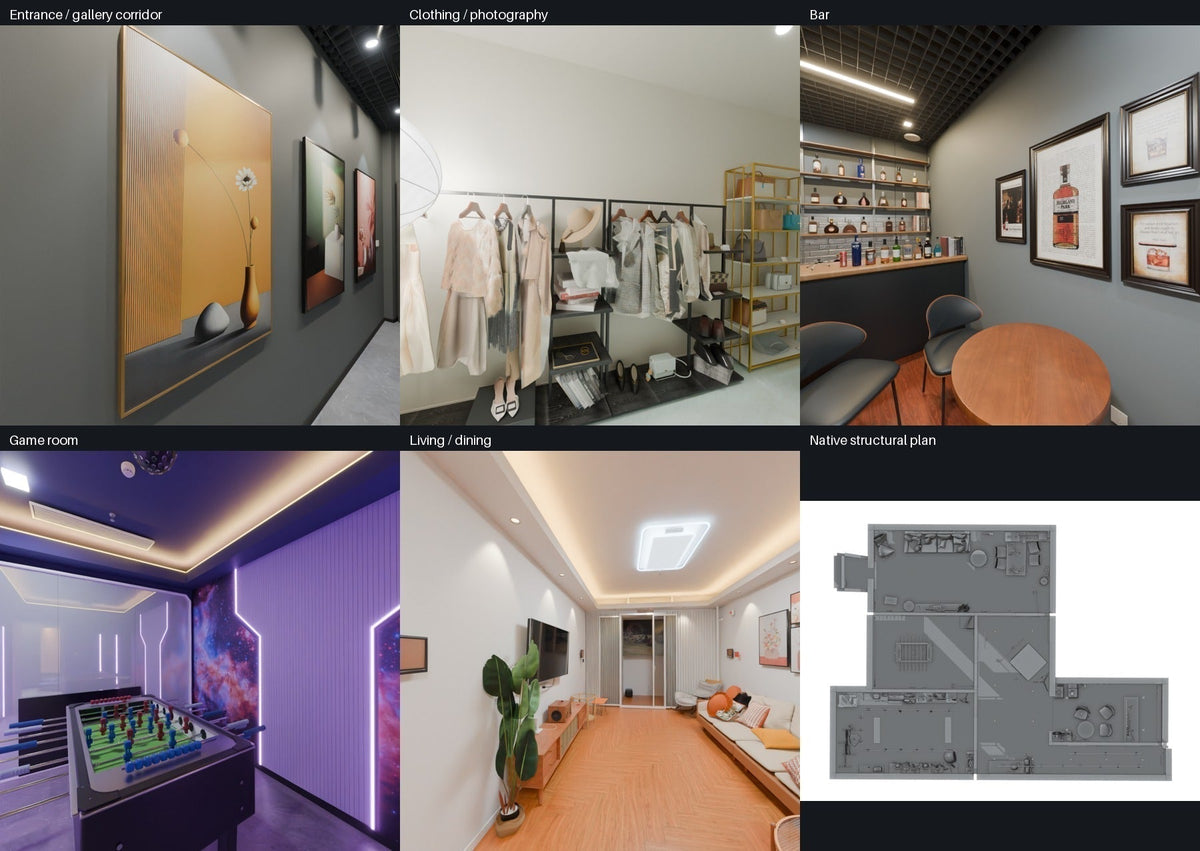
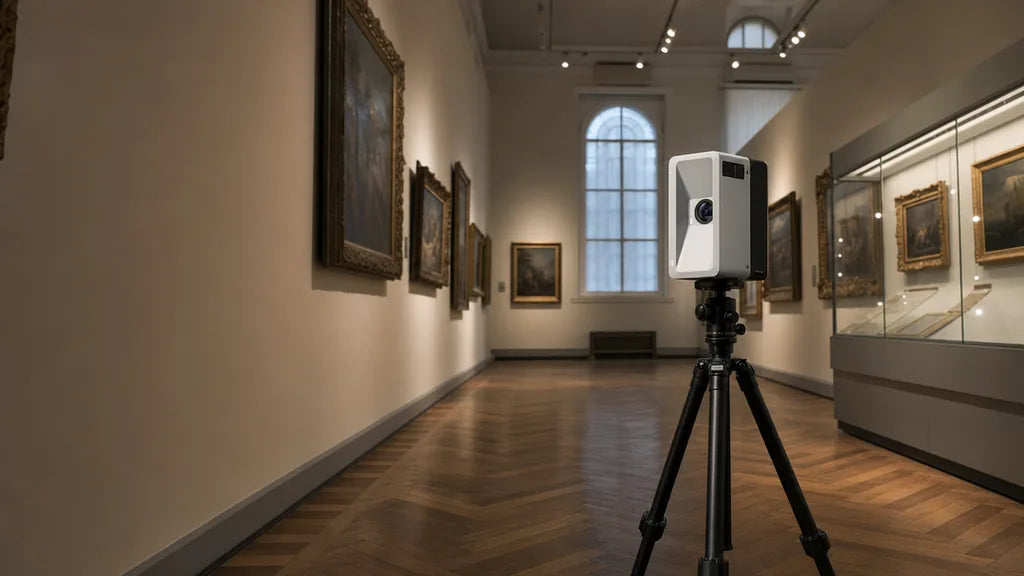
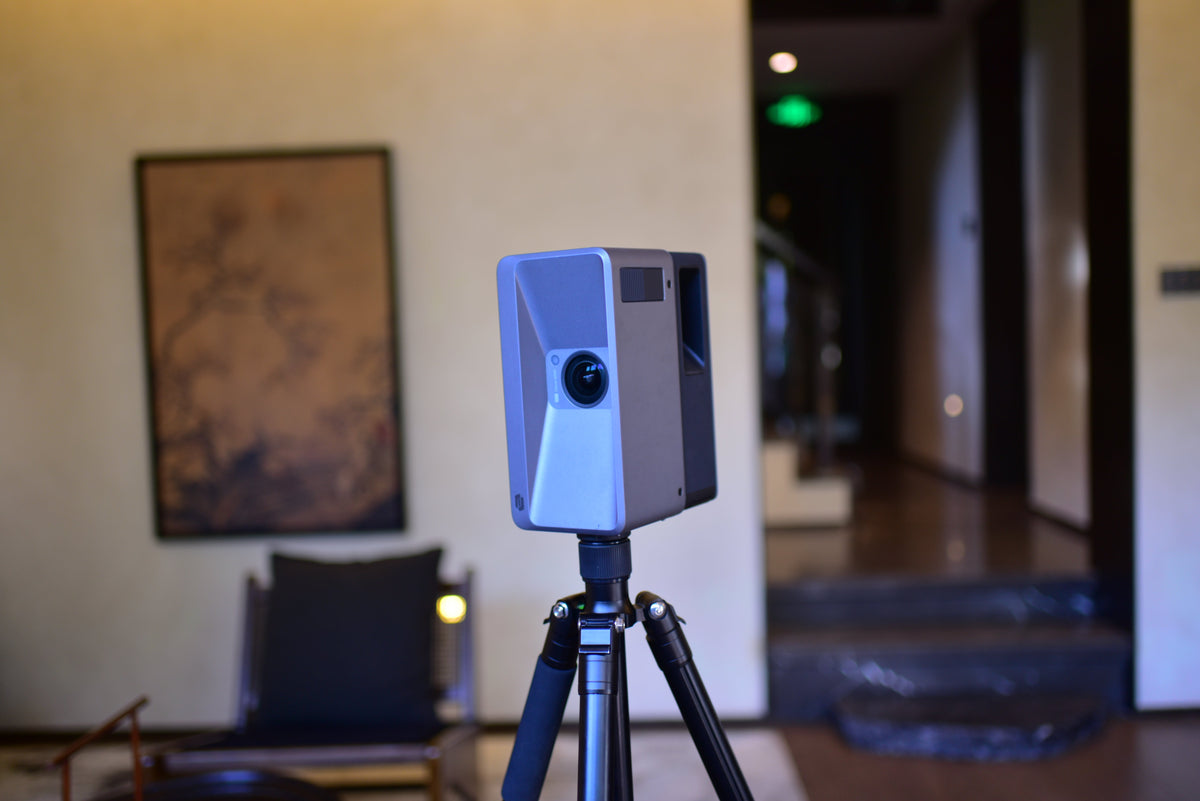
Virtual museum tours give people a practical way to explore galleries, historic rooms, and collections when they cannot be there in person. The strongest version lets visitors move through real spaces, understand what they are seeing, and return to the collection after a visit. It can also support education, outreach, and promotion.
Why Virtual Museum Tours Matter
Virtual museum tours matter because physical access has real limits. Opening hours, travel costs, school schedules, mobility needs, and a temporary exhibition's run can all keep an interested person from the space. A well-made digital experience keeps the visit tied to the real institution rather than replacing it with a generic gallery of images.
This format also matches how people research a visit. A family can preview the building before booking, while a teacher can introduce an exhibition before a class trip. These virtual museum visits create an additional door into the collection, even when the front door is closed. Public access and engagement are part of how the International Council of Museums defines a museum, so a digital route into the galleries supports the institution's stated purpose rather than sitting beside it.
What Makes a Virtual Museum Tour Worth Exploring
Visitors stay with a tour when it is easy to enter, simple to navigate, and rich enough to reward curiosity. A museum's digital experience should answer three basic needs: where am I, what am I looking at, and where can I go next. Those fundamentals are the same ones covered in our guide to what a virtual tour includes, applied here to a collection rather than a property.
More Than a Video, Photo Gallery, or 360° Image
A tour needs visitor control. A video sets a fixed pace, and a photo gallery separates objects from their setting. An explorable 3D tour lets visitors choose a path, stop at a case, look up at a ceiling, or return to an earlier gallery. Our comparison of a 3D walkthrough and a 360 tour sets out what each format actually lets a viewer do.
Why Gallery Context Matters for Art and Exhibitions

Gallery context changes the meaning of an exhibit. An object may be small, but its placement beside a period interior, a large work of art, or a sequence of related displays tells a story that a cropped image cannot carry.
This is particularly important for virtual art museum tours. Visitors often want a close look at an artwork and an understanding of its scale, lighting, neighboring works, and curatorial grouping. Use detailed media when needed, then connect it back to the real room.
The Museum Experiences That Benefit Most From a Virtual Tour
Tours are most useful when the space itself is part of the collection or when visitors need help orienting themselves. Historic homes, industrial heritage sites, multi-room galleries, campus museums, and exhibitions with a clear narrative route are strong candidates.
Ask whether the building adds meaning to the collection, visitors struggle to find key areas, or a temporary exhibition needs a durable record. If the answer is yes, a tour can serve a clear purpose beyond novelty.

Benefits of Virtual Museum Tours
The value comes from extending access while keeping the museum's own spaces and interpretation at the center. The benefits below are distinct, so a team can decide which outcome matters most before investing in capture and production.
Expand Access and Support Education
A browser-based tour can reach people who cannot travel to the museum, including distant classrooms and visitors with limited time or mobility. It also gives educators a concrete setting for discussion. Instead of showing one isolated object, they can direct students through a room, compare displays, and pair the tour with their own lesson materials. Museum service and access are a long-running research theme for the Institute of Museum and Library Services, which is a useful reference when a team needs to justify a digital access project internally.
Preserve Exhibitions Beyond Their Closing Date
Temporary exhibitions disappear quickly once walls are repainted and loans return. A tour preserves how the exhibition was arranged, which can be valuable for curatorial records, future interpretation, member communications, and fundraising archives.
Build Interest in Visits, Programs, and Collections
A tour can encourage an in-person visit by reducing uncertainty. Someone deciding whether to bring a group can see the scale of the space, identify accessible routes, and understand what a program might cover before they arrive.
It also creates shareable material for newsletters, event pages, and collection stories. Position it as a preview or follow-up, rather than a substitute for attendance.
How to Create a Virtual Museum Tour
Start with a defined visitor outcome, then build the production plan around it. A small gallery tour may focus on one exhibition, while a heritage campus may need a connected route across several buildings. The process below keeps curatorial priorities in control.
Plan the Route, Lighting, and Artifact-Safe Capture Window

Map the first view, required stops, staff-only areas, and exhibits that need a label or close-up image. Schedule capture during a low-traffic window with collections, security, facilities, and exhibition staff. Work with existing gallery lighting where possible, and do not move fragile objects or add lighting that conflicts with conservation requirements. The National Park Service Museum Handbook sets out the light, handling, and environmental limits that a capture schedule has to respect.
Choose 360 Photography or LiDAR-Based 3D Capture
Choose the method based on the space and the intended output. A simple 360 photography workflow may fit a small, straightforward gallery where the goal is a visual preview. LiDAR, which uses pulsed laser light to measure distance, can be a better fit for large halls, multi-room buildings, indoor-outdoor transitions, or a project that also needs spatial documentation.
| Capture need | 360 photography | LiDAR-based 3D capture |
|---|---|---|
| Small visual preview | Often sufficient | Useful but may exceed the need |
| Complex route across several rooms | Requires careful manual linking | Supports a spatial model and navigation |
| Floor plan or spatial data output | Usually separate work | Can support capture for multiple outputs |
| Historic building or large hall | May need many viewpoints | Better suited when spatial context is central |
Choose the approach that gives visitors a reliable route and delivers outputs the institution will reuse. If the difference between the two methods is still unclear, our explainer on what a LiDAR scanner does covers how the measurements are produced.
Build Navigation and Exhibit Storytelling Into the Tour
Navigation and interpretation turn a captured space into a museum experience. Add clear starting points, room or area labels, and guided paths where the exhibition has a preferred sequence. Let visitors move freely, but make the next meaningful stop obvious. The labeling, media embedding, and path tools for this work sit in our 3D tour editing suite.
For each priority object or display, prepare short text that answers what it is, why it matters, and what to notice. Add images, audio, or video only when they deepen that explanation. Keep naming and label style consistent.
Publish, Embed, and Promote the Experience
Publish the tour where a visitor is most likely to need it: the exhibition page, a collection page, an education resource, or an event landing page. An embed lets the experience live inside the museum's own site, alongside opening hours, ticketing information, accessibility details, and program links.
Give the launch a clear use case. Share a preview with members, send a classroom-ready link to educators, or include it in an exhibition recap. Track visits to the tour and the links people use afterward to shape the next project.
How Realsee Enables High-Fidelity Virtual Museum Tours
We support museum teams that need an explorable tour and reusable spatial assets from one capture project. Our museum digital twin solution presents live examples from Bolling Hall Museum, Smyrna Museum Complex, Ho Yan Hor Museum, and Calderdale Industrial Museum, all shown as Galois M2-captured museum tours.
Create a High-Fidelity Virtual Museum Tour With Realsee
Our museum workflow combines LiDAR-based capture with a tour experience built for exploration. The museum solution page describes 16K indoor and outdoor tours from the Galois M2 LiDAR camera, plus panoramas, floor plans, 3D models, point clouds, and RAW images from the same capture project.
It also shows tools for exhibit labels, embedded media, area labels, and guided paths, so a team can attach curatorial context to a room or artifact. The complete list of outputs available from one capture is worth reviewing before the scope is fixed, because a single visit can also serve documentation needs beyond the public tour.
Reference Museum Projects Before You Scope Yours

Use the four museum examples below to discuss your scope. Each one is a live tour you can walk through before deciding what your own project needs:
| Museum | What it shows | Live tour |
|---|---|---|
| Bolling Hall Museum | A historic-house setting where the building itself carries the collection | Explore the Bolling Hall tour |
| Smyrna Museum Complex | A multi-building heritage complex run by a local historical society | Explore the Smyrna Museum tour |
| Ho Yan Hor Museum | A town-center museum sited where the history it interprets took place | Explore the Ho Yan Hor tour |
| Calderdale Industrial Museum | An industrial heritage collection with large machinery and open floors | Explore the Calderdale Industrial Museum tour |
Bolling Hall Museum shows a historic-house setting, while Smyrna Museum Complex and Calderdale Industrial Museum point to larger heritage collections. For a one-time exhibition record or occasional digitization project, our credits model lets you pay for what you need without a monthly or annual fee.
Plan a Virtual Museum Tour That Serves the Collection
Start with the story visitors should be able to follow, then select a capture method that fits the space and your future needs. A clear route, artifact-safe schedule, and thoughtful labels will do more for a virtual experience than extra visual effects. When you need a high-fidelity 3D tour and reusable spatial outputs, talk with our team about a museum project.
FAQs About Virtual Museum Tours
Q1: Which Museum Teams Should Approve a Virtual Tour Before Capture?
Collections, security, facilities, exhibitions, and digital or communications staff should each have a role. Collections staff can set handling and lighting boundaries, security can define access rules, and communications staff can confirm what is ready for public release. A short pre-capture review prevents avoidable reshoots.
Q2: Do Visitors Need a Special App or Headset to View a Virtual Museum Tour?
Usually, no. A browser-based experience is the most practical baseline because it works on common computers and mobile devices. A headset can add another way to view a tour, but it should not be the only option if the institution wants broad public access.
Q3: How Long Does It Take to Capture a Mid-Sized Museum Gallery?
It depends on the rooms, required detail, access restrictions, and quality checks. Build the schedule around the museum's approved capture window rather than a generic hourly estimate. A site walkthrough sets a realistic timeline.
Q4: Can a Virtual Museum Tour Include Narration in Multiple Languages?
Yes, if the selected platform supports the required media and labeling workflow. Plan translation, voice recording, review, and accessibility needs before publishing. Text labels may cover every language, while recorded narration can focus on priority exhibits.
Q5: What Rights Checks Should Happen Before a Museum Tour Goes Public?
Confirm that the museum has permission to publish every visible artwork, loaned object, video, audio clip, and interpretive asset. A physical display may be cleared for exhibition without being cleared for online reuse, which is a separate question of copyright from the loan agreement. Record any restrictions before labels, media, and promotional assets are finalized.
Sources
- International Council of Museums — Museum definition
- National Park Service — Museum Handbook, Part I on museum collections
- National Oceanic and Atmospheric Administration — What is lidar?
- Institute of Museum and Library Services — Research and evaluation
- U.S. Copyright Office — What is copyright?