In the age of immersive digital experiences, 3D walkthroughs are revolutionizing how we showcase and interact with spaces. Whether you're in real estate, architecture, retail, or tourism, understanding the difference between a 3D walkthrough and a 360° virtual tour is critical to choosing the right tool for your business.
What Is a 3D Walkthrough?
A 3D walkthrough is a fully navigable, immersive digital replica of a real-world space. Unlike static photos, videos, or even basic 360° virtual tours, a 3D virtual walkthrough gives users the ability to explore a space in real time—moving from room to room, changing viewpoints, and interacting with embedded elements. This experience simulates a physical walkthrough and can be accessed from any device, including desktop, mobile, and VR headsets.

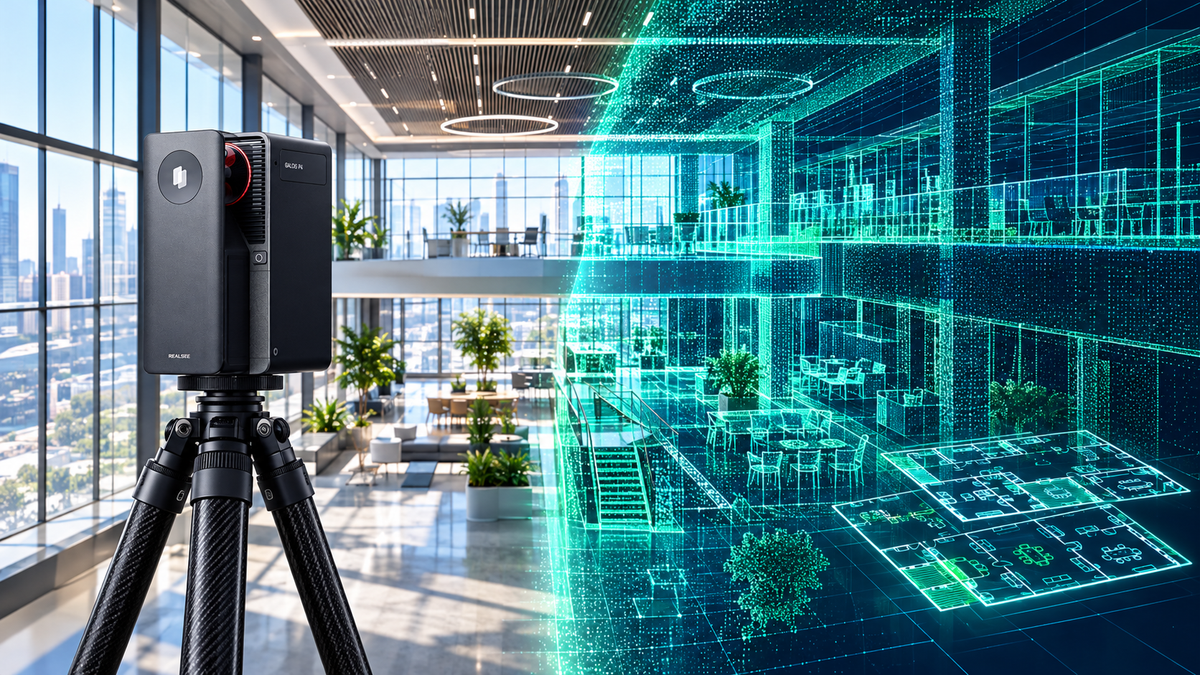
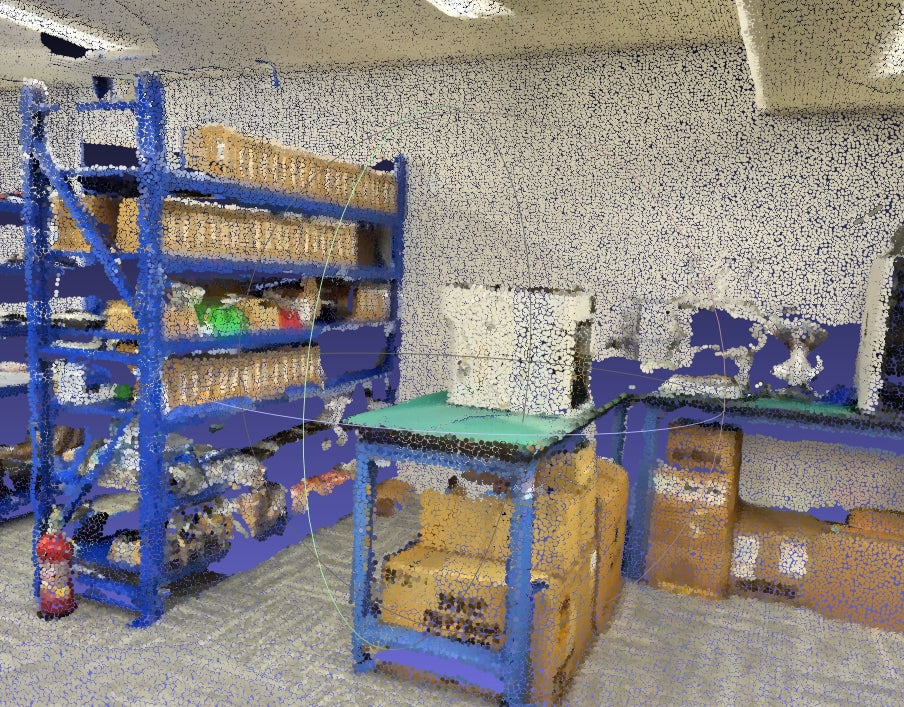
At its core, a 3D virtual walkthrough is built using spatial data—captured through LiDAR scanning, photogrammetry, or 3D modeling—and then processed with advanced visualization technologies like AI-based reconstruction, SLAM (Simultaneous Localization and Mapping), and cloud rendering.
Whether you are marketing real estate, presenting a design concept, or creating a virtual showroom, a 3D walkthrough helps communicate space like never before.
Key Features of a 3D Walkthrough:
- Full freedom of movement and perspective
- Accurate room scale and spatial measurements
- Embedded tags, hotspots, and data layers
- Supports VR, web, and mobile viewing
If you’re looking for a 3D real estate walkthrough to enhance property tours or show design concepts to clients, this technology offers far greater immersion than basic photography or video.
What Is a 360° Virtual Tour?
A 360° virtual tour is a digital experience created by stitching together a series of panoramic images taken from fixed camera positions within a space. At each location, users can rotate the view in all directions—left, right, up, and down—creating a spherical perspective of the environment.

Unlike a 3D virtual walkthrough, which allows users to freely move through a space, a 360° tour offers static viewpoints. Navigation is typically done by clicking on markers or hotspots to jump from one scene to another.
Key Characteristics of a 360° Virtual Tour:
- Built with panoramic photography rather than 3D reconstruction
- Navigation is limited to “point-to-point” jumps between scenes
- Can include limited hotspots or info points, but lacks spatial depth
- Easily embeddable on websites, and accessible on most browsers
- Cost-effective and faster to produce than full 3D walkthroughs
However, while 360° virtual tours are useful for quick visual previews, they lack the spatial realism, interactivity, and scale accuracy that make 3D house walkthroughs so powerful in architecture, real estate, and immersive design.
Key Differences Between 3D Walkthroughs and 360° Virtual Tours
To help you decide which format is best for your project, the table below highlights the key differences between a 3D walkthrough and a 360° virtual tour:
| Feature | 3D Walkthrough | 360° Virtual Tour |
|---|---|---|
| Navigation | Smooth, room-to-room motion | Point-to-point jump |
| Depth & Accuracy | True-to-scale, 3D reconstructed | Flat image projections |
| Interactivity | Hotspots, annotations, spatial info | Limited tagging |
| Technology Used | Spatial scanning, 3D modeling (AI, SLAM, etc.) | Panoramic photo stitching |
| Suitable For | Real estate, construction, retail, VR | Hotels, travel, low-budget property tours |
How to Create a 3D Walkthrough?
Thanks to advances in scanning technology and cloud-based modeling, creating a 3D walkthrough is now easier and more accessible than ever. You no longer need complex hardware or extensive 3D design skills to build a fully interactive virtual space.

Here’s a simple step-by-step overview of how to make a 3D walkthrough:
Step 1: Scan the Physical Space
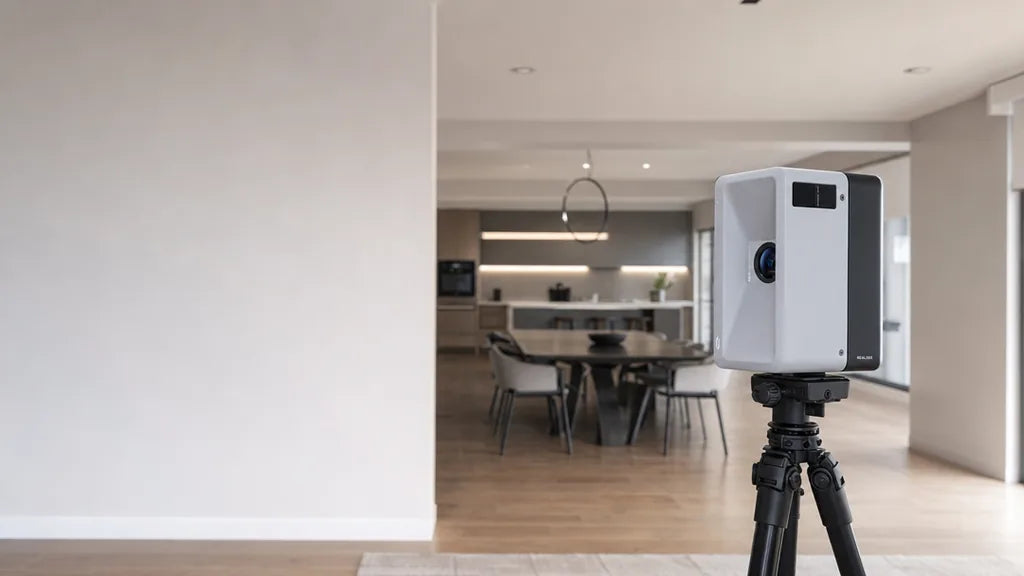
Begin by capturing the space using a LiDAR-enabled smartphone, tablet, a dedicated 3D scanner, or a 3D scanning camera. These tools collect spatial data—including depth, dimensions, and geometry—necessary to generate an accurate digital environment.
Step 2: Generate the 3D Model
Upload the scan data to a compatible platform that uses AI or photogrammetry algorithms to reconstruct the environment. The system will convert the raw data into a true-to-scale 3D model, forming the foundation of your virtual walkthrough.
Step 3: Add Hotspots and Interactive Tags
Enhance the walkthrough by adding interactive elements such as labels, annotations, hyperlinks, embedded images, or measurement tools. These features are especially useful for 3D house walkthroughs, virtual product displays, or property tours.
Step 4: Publish and Share
Once your walkthrough is ready, export it to the desired format. You can generate a web link, embed it into a website, or create a VR-compatible version for immersive viewing. Some platforms also support analytics, allowing you to track visitor engagement.
When to Use a 3D Walkthrough vs. a 360° Tour
Choose a 3D walkthrough when:

- You need an immersive, interactive experience with real spatial depth
- Accurate measurements and layout visualization are important (e.g., real estate, interior design)
- You're targeting high-value clients or showcasing premium properties
-
The goal is to engage users longer and support decision-making
Choose a 360° virtual tour when:
- You need a quick, budget-friendly way to show a space
- The project doesn’t require free navigation or scale accuracy
- It's for simple previews—like hotel rooms, cafés, or small exhibitions
- Time or resources are limited
Choose the Format That Matches the Property
If you're considering whether to invest in 3D walkthroughs or stick with a 360° tour, the answer depends on your goals. But if interactivity, scale, and long-term engagement matter—3D virtual walkthroughs are the future.
Want to know how to create a 3D virtual tour for your brand or property?
👉 Try our interactive demo, or contact us to start your first 3D walkthrough in minutes. Digitize your space. Impress your clients. Close deals faster.
See What One Capture Can Deliver
If you are weighing up how to capture a property once and deliver photos, floor plans and a navigable tour from the same visit, look at the full list of capture deliverables or talk with our team about a workflow that fits your packages.
FAQs About 3D Walkthroughs and 360 Tours
Q1: What is the difference between a 3D walkthrough and a 3D virtual tour?
A 3D walkthrough allows users to smoothly navigate through a digital twin of a physical space with real-time movement and accurate scale. In contrast, a 3D virtual tour may refer to either a 3D walkthrough or a simpler 360° panoramic experience where users jump between fixed viewpoints.
Q2: Is a 3D walkthrough better than a 360° tour for real estate?
For most real estate applications, 3D house walkthroughs provide a more immersive and informative experience. They allow potential buyers or tenants to understand room proportions, flow, and layout more accurately than 360° virtual tours, which are limited to fixed photo viewpoints.
Q3: What industries benefit most from 3D walkthroughs?
3D real estate walkthroughs are among the most common, but the technology is also widely used in architecture, interior design, retail showrooms, education, tourism, and facility management. Any industry that involves showcasing physical spaces can benefit from immersive 3D virtual experiences.
Q4: Can I embed a 3D walkthrough on my website or property listing page?
Yes. Most 3D walkthrough companies and platforms provide shareable links or embed codes (iframe or JavaScript) that can be easily integrated into websites, online listings, or social media pages. Some even offer analytics to track viewer engagement.