


Users can download the project's CAD File from the Add-ons section.
- Click on the corresponding VR project to enter the project preview interface
- Select the 'Add-ons' option from the top toolbar
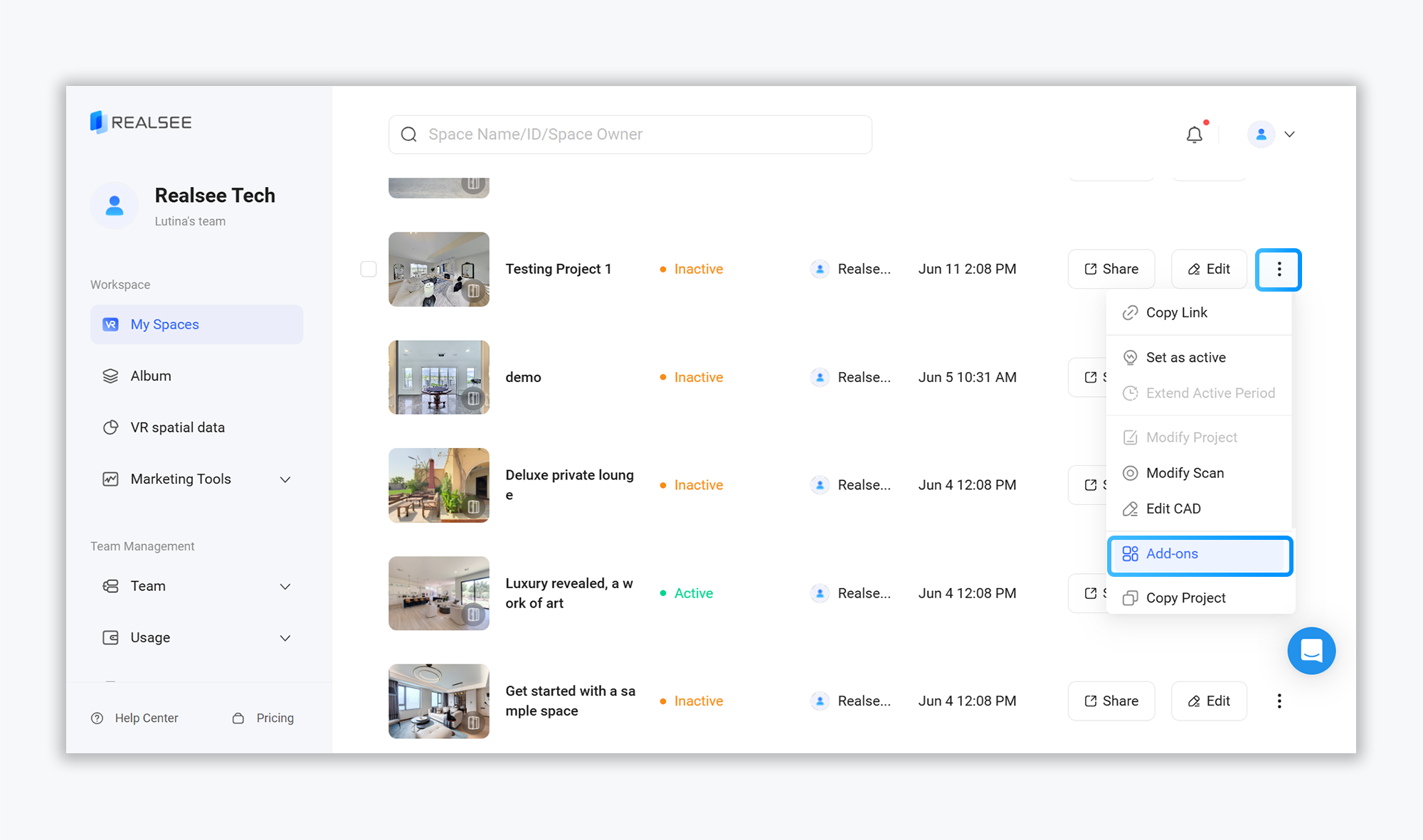
- Choose 'CAD File' to download

Configure Parameters: Select your language, unit, print direction, and wall thickness. (Note: Wall Thickness only supports whole numbers—do not use decimals).
Submit Request: Click Submit, then confirm in the pop-up window.
Download Files: Track progress in Download Tasks and download your .dxf / .dwg files when ready.
Wait for the download task to be generated. Once ready, click 'Download' to begin downloading.

