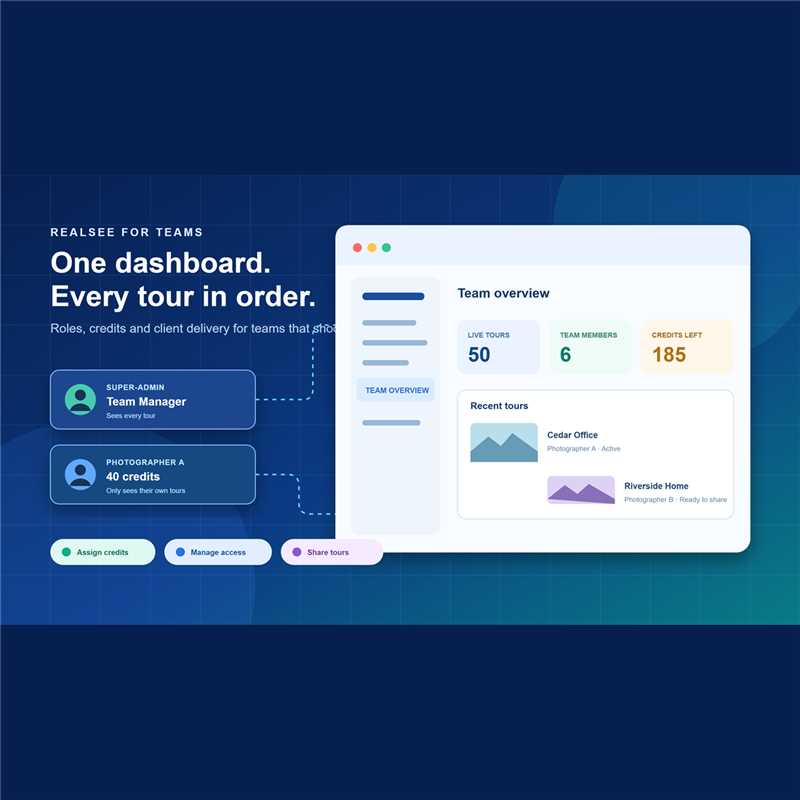


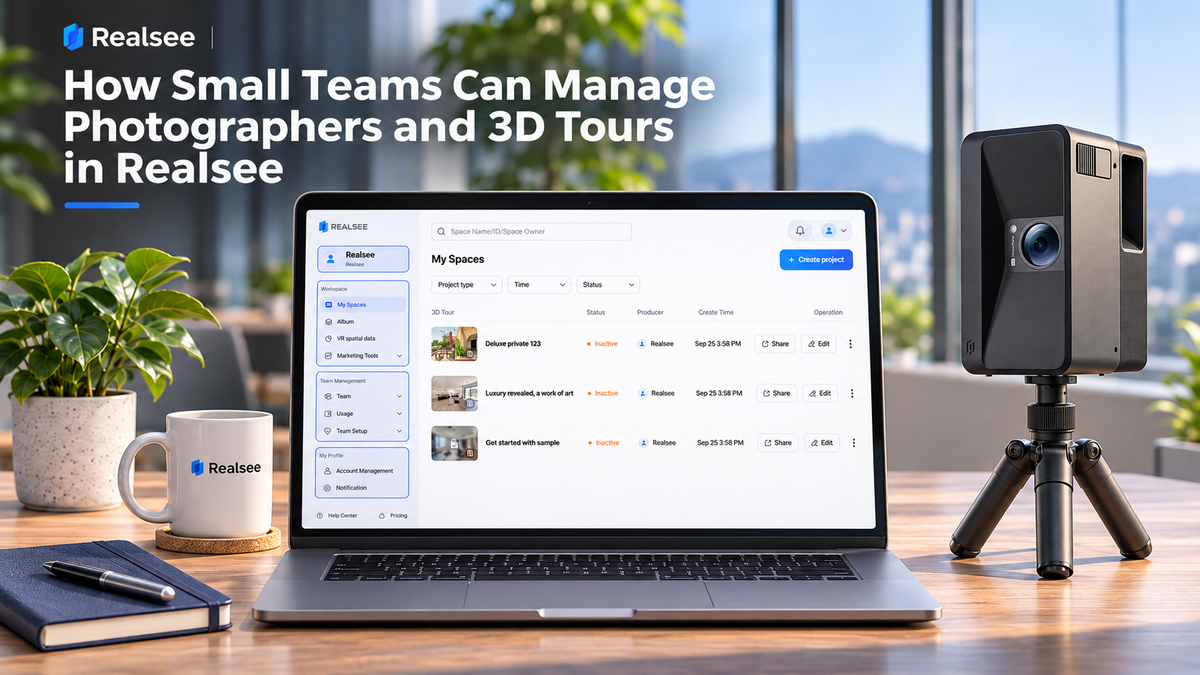
For a team producing many property tours, Realsee Console brings team members, project access, and Credits into one workspace. Administrators can invite photographers, oversee team projects, manage Credits, and prepare tours for client delivery through sharing, embedding, Albums, or project transfer. The role structure is straightforward, making it suitable for internal team coordination.
What can a team manage in Realsee Console?
Realsee Console combines a Workspace for VR projects with Team Management. Administrators can invite members, assign roles, review invitation records, view team Credit usage, allocate Credits, and set company branding such as a logo and related links. Users can also switch between Teams from their account settings. This gives a small production group a shared place to coordinate its people and tour work.

How can a team add photographers and organize access?
Team administrators can invite members by organizational QR code, invitation link, or email, or import a list of members with their names, departments, and email addresses using batch email invitation. Each photographer joins with an individual Realsee account.

How can administrators manage Credits across photographers?
Team Management lets administrators review the Team’s Credit balance and usage. A Team can use a shared balance or assign individual member allowances with a validity period. This gives a manager a way to keep production Credits in one place while allocating a defined amount to selected photographers.
How can teams organize tours for client delivery?
Teams can copy projects and transfer them to another account after setting them to Inactive. Tours can also be shared by link or embedded on a website, and multiple tours can be grouped in an Album and shared through one link. Album activation is separate from the activation status of each tour it contains. At the Team level, administrators can configure company information such as a logo, name, description, and link. Those settings help keep the team’s presentation consistent.
Which Console feature helps at each stage?
|
Team task |
Console capability |
Practical use |
|
Bring photographers onboard |
QR, link, email, and batch email invitation |
Add several team members without sharing login credentials. |
|
Set project visibility |
Default member access and Super Admin access |
Keep a member’s default view focused on their own projects; grant broader Team visibility where needed. |
|
Control production Credits |
Team balance, usage history, shared balance, and member allowances |
Review usage and allocate Credits to selected photographers. |
|
Prepare client delivery |
Copy, transfer, embed, share, or group tours in an Album |
Choose a handoff or presentation method for the project. |
To See in Detail
Frequently asked questions
Can a team invite multiple photographers?
Yes. Administrators can invite members by QR code, link, or email, and can use batch email invitation to add multiple members.
Can every photographer see every team project?
By default, members can view their own captured projects and sample projects. Super Admins can view projects captured by other Team members.
Can administrators allocate Credits to individual photographers?
Yes. Team Credits can be shared or allocated as member allowances with a validity period.
Can a team hand a tour to a client?
A project can be transferred to another Realsee account after it is set to Inactive. Teams can also share a tour link or embed it on a website.
Can several tours be shared together?
Yes. An Album can group multiple tours under one share link. Each included tour must be active to appear in the shared Album.