Two practical reasons to consider Galois P4 and Realsee: scan without depending on a connected phone, and bring real activity into your virtual tour.
Galois P4 and the Realsee platform offer a Matterport alternative for teams that want a smoother on-site capture workflow and a more expressive way to present spaces. App-Free Capture lets you operate directly from the scanner, without relying on a continuous phone connection. Realsee Video Fusion blends recorded video into a panoramic scene.
01 · On-Site Capture
App-Free Capture
Keep scanning without depending on a phone-to-scanner connection, and operate directly from the hardware instead of repeatedly reaching for your phone.
02 · Presentation Experience
Video Fusion
Blend recorded activity into the panoramic scene, helping visitors see not just a venue, but an example of what happens there.
At a Glance
Two Differences That Shape the Workflow
This comparison covers Galois P4 with the Realsee platform and Matterport Pro3 with the Matterport platform. App-Free Capture is a P4 device capability; Video Fusion is a Realsee platform feature.
| Feature | Galois P4 + Realsee | Matterport Pro3 + Matterport |
|---|---|---|
| App-free scanning | Start scans from the scanner, keep scan data on the device, and import it into the App afterward. Scanning does not depend on a continuous phone connection. | Capture through the Matterport App on a connected phone or tablet; no equivalent standalone capture mode is documented. |
| Video presentation | Video Fusion blends recorded video into the panoramic scene. | Multimedia Tags present videos as tagged content. An equivalent native video-and-panorama fusion workflow is not documented. |
01 · App-Free Capture
Keep Scanning. Leave Your Phone Aside.
Start scans directly from Galois P4’s built-in screen, without keeping a phone or tablet connected. Move between scan positions and trigger each capture on the device—without repeatedly reaching for your phone.
Seamless Offline Workflow
Keep Your Capture Workflow Moving
App-Free Capture removes the need to maintain a live connection between your phone and the scanner. A dropped phone-to-scanner Wi-Fi connection does not interrupt this standalone capture workflow.
Your scan data stays on the P4 and can be imported into the Realsee App afterward.
Lightweight Operation
Focus on the Space, Not Your Phone
There is no need to constantly pull out your phone and tap the screen. Operate directly from the hardware and stay focused on positioning the scanner and moving through the space.
An Additional Way to Work Beyond App-Based Capture
Matterport Pro3 relies on a connected mobile App for capture. Galois P4 gives you another option: operate directly from the scanner when you want fewer phone interactions and less dependence on a continuous device connection.
App-Free Capture does not provide real-time preview or alignment checks. Import the scans into the Realsee App afterward for review and continued processing.
02 · Video Fusion
Bring the Action into Your Virtual Tour
Realsee Video Fusion uses AI to blend recorded video with the panorama at a selected scan point. Instead of presenting the video only as separate media, it integrates the activity into the scene.
In Practice · A Climbing Gym
A Real Climber. A Space in Motion.
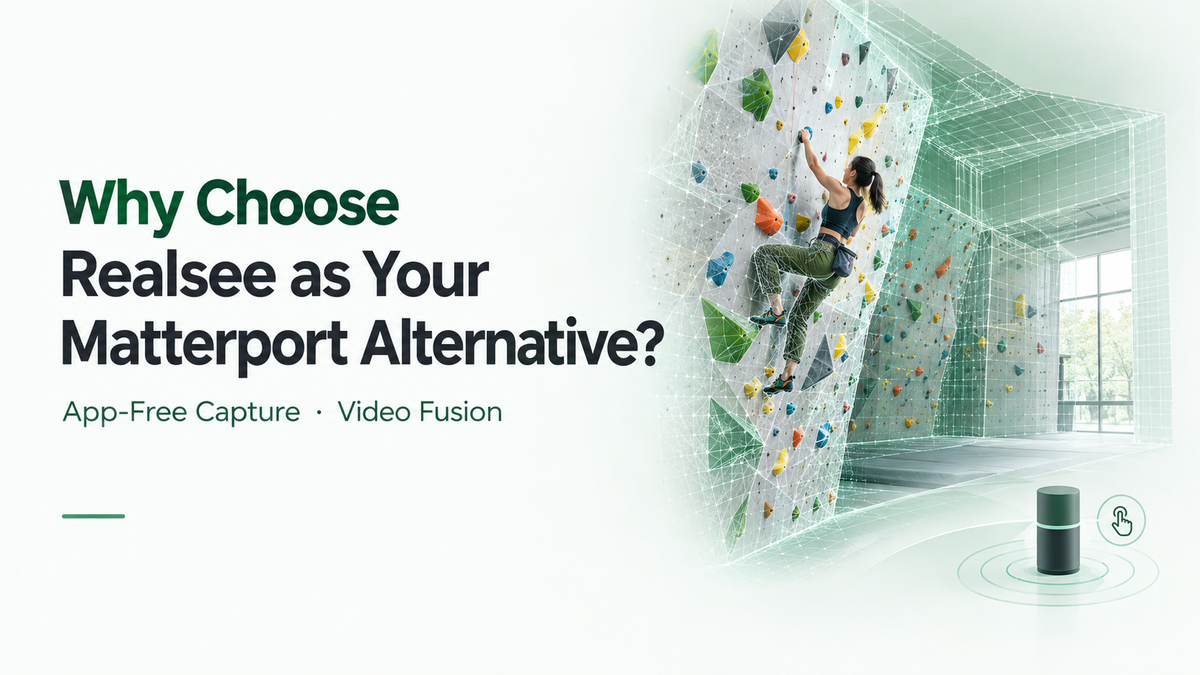
A climbing gym tour can show the walls, holds, routes, and layout. With Video Fusion, it can also show a real climber moving through the scene.
The recorded climbing sequence is blended into the gym’s panorama. Visitors see more than an empty venue—they see an example of the activity that gives it purpose.
Don’t just explore the climbing gym. See it in action.
Explore the climbing gym tour →
Video in the Scene, Not Just in a Tag
Matterport supports video through multimedia Tags. Realsee Video Fusion offers a different presentation method: blending the video with the panoramic scene itself.
In the climbing-gym example, the difference is seeing the climber within the venue rather than opening a separate video from a tag.
How the Video Fusion Workflow Works
- Capture the virtual tour.
- Record the activity from the corresponding scan position, matching the camera location and lens height.
- Select the scan point in the Realsee Console and upload the video through Video Fusion.
- Preview the result after processing.
Video Fusion uses prerecorded footage, not a live stream. Matching the recording and scan positions is important for successful blending.
Choosing Your Platform
When Are These Differences Relevant?
You Want Smoother On-Site Capture
App-Free Capture is relevant when you want to keep scanning without depending on a continuous phone connection and prefer to operate directly from the scanner.
You Want to Show Activity Within a Space
Video Fusion is relevant when the experience matters as much as the layout—such as a climber using a gym, a demonstration, or a presentation within a venue.
Quick Answers
Frequently Asked Questions
Can Galois P4 scan without a phone or tablet?
Yes. App-Free Capture lets you start scans from the P4’s built-in screen and keep the data on the device. You use the Realsee App afterward to import and continue processing the scans.
What are the benefits of App-Free Capture?
It reduces dependence on a continuous phone-to-scanner connection during scanning and removes the need to keep taking out your phone to trigger scans, so you can stay focused on the space you are capturing.
Does Matterport Pro3 offer App-Free Capture?
Matterport Pro3’s documented capture workflow uses the Matterport App on a connected mobile device. It does not document an equivalent standalone capture mode.
How is Video Fusion different from video Tags?
Video Tags present videos as tagged media. Realsee Video Fusion blends recorded video with the panoramic scene, so the activity appears within the space.
Is Video Fusion exclusive to Galois P4?
No. Video Fusion is a Realsee platform feature that supports tours captured with phones, 360 cameras, and Galois devices. App-Free Capture is the P4 capability discussed in this article.
Is the climber shown live?
No. The climbing scene uses prerecorded video blended with the panoramic image. It is not a live broadcast.