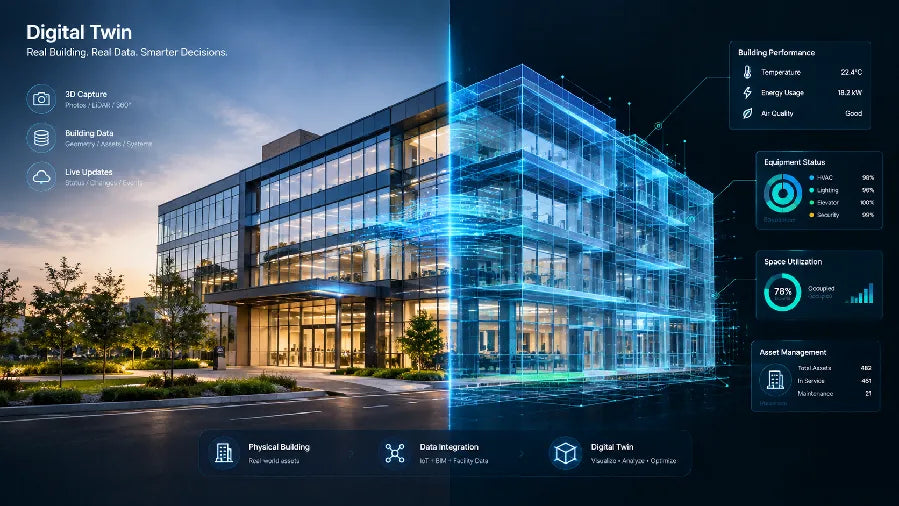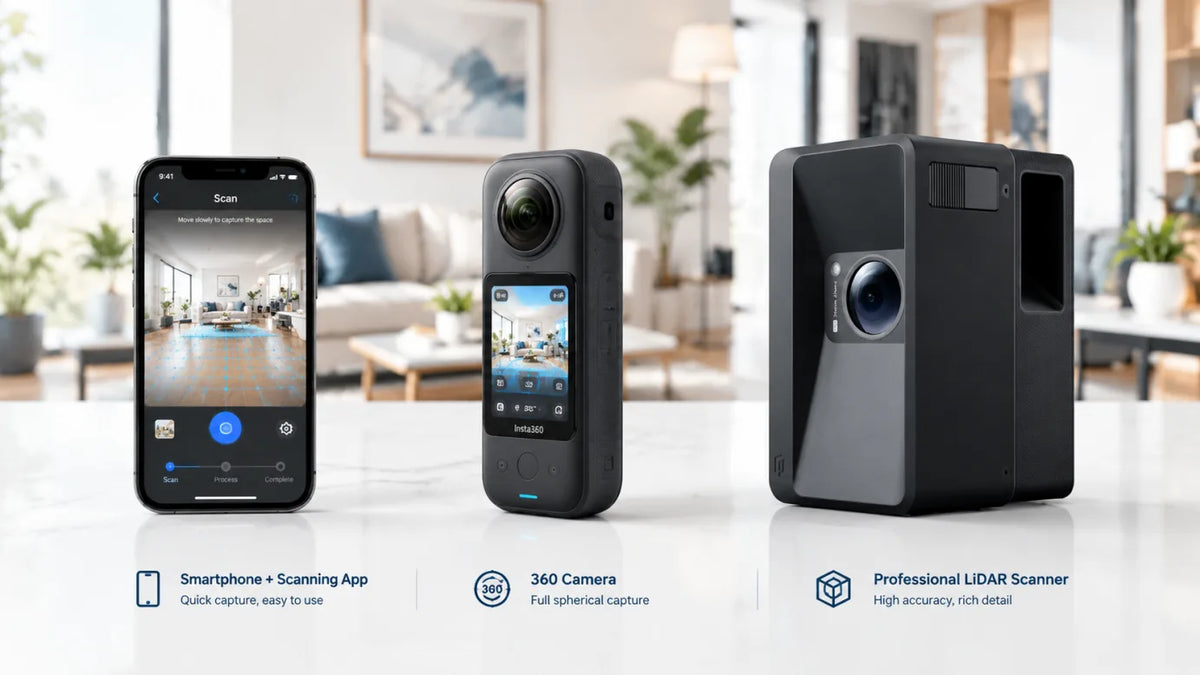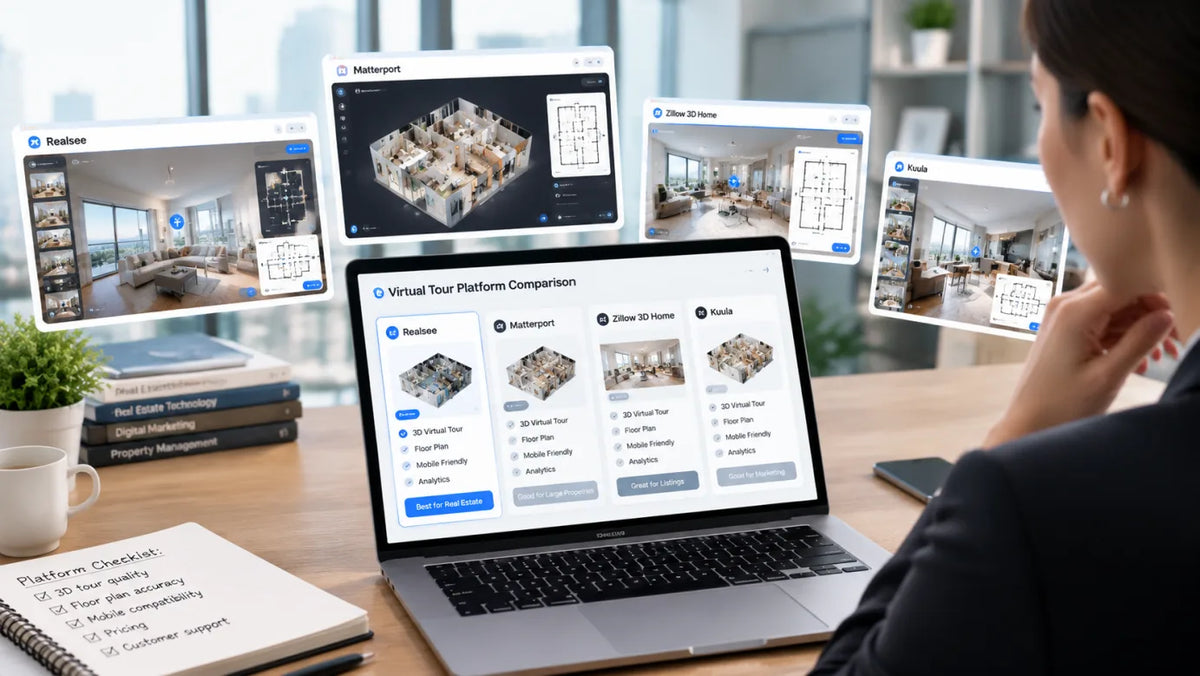
The best virtual tour software for real estate is the one that fits how you capture a property and what you promise to deliver afterward. A simple 360-photo tour can be enough for a single listing. A photography business or brokerage may need branded tours, floor plans, measurements, downloadable files, and a predictable way to manage hosting across many properties.
Choose a Workflow Before Comparing Platforms
Start with the output your client will buy, then choose the capture method that can produce it. Comparing plans before that step often leads to paying for a polished viewer that cannot create the floor plan, spatial data, or branded handoff your workflow needs.
For most teams, real estate virtual tour software falls into three practical workflows:
- Structured space capture: A 3D camera, LiDAR scanner, or paired capture system creates a navigable space and can support measurements, floor plans, or additional spatial deliverables.
- 360-photo publishing: You shoot panoramic images with a 360 camera, phone, or DSLR workflow, then connect scenes with hotspots and publish a shareable tour.
- Creator-controlled production: You build a more customized interactive experience and decide where it is hosted, which can suit projects with rich media or unusual presentation needs.
The workflow affects your on-site time, editing workload, virtual tour hosting cost, and the package you can sell. A tour, floor plan, high-resolution images, and a usable record of the space can serve several people from the same visit.
The Eight Platforms in This Comparison
No platform wins every real estate job. The useful distinction is whether a platform is built around structured capture, fast panoramic publishing, or extensive creator control.
| Platform | Primary Workflow | Strong Fit | Check Before You Commit |
|---|---|---|---|
| Matterport | Structured 3D capture | Teams that want a familiar digital-twin viewer and broad capture options | Plan limits, active-space rules, and the outputs included at your tier |
| Realsee | Multi-path capture and spatial outputs | Photographers and teams that want tours plus floor plans, visuals, or data deliverables | Which credits apply to hosting, processing, and downloads |
| iGUIDE | Capture with floor plans and measurements | Listing packages where measured plans are central to the sale | Capture hardware or provider availability and package-level deliverables |
| CloudPano | 360-photo publishing | Fast branded 360 tours and straightforward hotspot workflows | Published-tour limits and white-label features by plan |
| Kuula | 360-photo hosting and sharing | Creators who need flexible branded presentation for different clients | Branding, privacy, and domain controls at the selected tier |
| TeliportMe | Mobile and 360-photo tour creation | Teams that want browser-based editing and multiple capture inputs | Resolution, workspace, and custom-domain limits |
| EyeSpy360 | Property-tour service workflow | Agents who value live remote viewings alongside tour delivery | Market coverage and which services are included locally |
| 3DVista | Creator-controlled tour production | Studios that want deep customization and self-hosting options | Desktop production time and separate hosting needs |

Matterport, Realsee, and iGUIDE for Structured Space Capture
These three platforms fit teams that want the tour to start with a more structured record of the property. Matterport supports capture with compatible 360 cameras and mobile devices, alongside professional hardware. Its established digital-twin viewer can make it a logical shortlist item for teams already invested in that ecosystem.
Realsee is a practical option when the job may require more than a hosted viewer. Our workflow can begin with a Galois 3D LiDAR camera for professional capture, or use mobile capture, compatible 360 cameras, and Pano to 3D for lighter projects. One capture can support a 3D tour, high-resolution panoramas, floor plans, snapshots, and selected spatial outputs such as point clouds and 3D models. That gives a real estate photographer more ways to build a package from one appointment.
iGUIDE is worth prioritizing when the floor plan and room measurements are as important as the walkthrough. Its capture system and project packages combine a virtual tour with property documentation, which can fit agents, appraisers, and photographers whose client conversations start with square footage and layout.
CloudPano, Kuula, TeliportMe, EyeSpy360, and 3DVista for Other Tour Workflows
The remaining platforms are strongest when the project begins with panoramic images or when the production team needs more direct control. CloudPano, Kuula, and TeliportMe suit connected 360 scenes, hotspots, branding, sharing, and web embedding. They can be efficient for photographers who already produce clean panoramas.
EyeSpy360 is closer to a property-focused service model. Its live-viewing feature makes it relevant when agents need to walk a buyer through a property remotely rather than simply send a link. That is a different requirement from self-guided browsing, so check whether live collaboration is a genuine part of your sales process.
3DVista is a different choice again. It is built for creators who want extensive multimedia control and the option to host a completed tour themselves or use a separate hosting service. That can be valuable for a studio producing highly customized experiences, though it usually asks for more hands-on production than a simple 360-photo publishing tool.

Capture Options and Setup Requirements
Capture is the first cost to test because it determines what your team can repeat at scale. A phone or 360 camera reduces the equipment barrier, but it does not automatically create the same spatial outputs as a LiDAR-based workflow. For a property media business, use a repeatable setup that minimizes return visits and gives every operator the same process.
When you need clearer visual detail, spatial measurements, or deliverables beyond the tour, evaluate professional capture separately. Galois P4 is designed for professional LiDAR-based capture, while our real estate photography workflow also explains when mobile, 360-camera, and Pano to 3D routes may make more sense. The best setup is the one your team can operate consistently while meeting the client brief.
Tour Experience, Branding, and Sharing Controls
The viewer should help a buyer understand a property without hiding the agent’s brand. Test a real tour on a phone, open the floor plan if one is included, and check the basics your listings need.
Use this short checklist during a demo:
- Open the tour on a mobile connection, not only office Wi-Fi.
- Check how easily viewers can move from room to room and return to the starting point.
- Confirm whether your logo, contact details, and property media can appear in the experience.
- Test the embed on a sample property page and confirm that the link preview looks right when shared.
- Ask how password protection, unpublishing, and ownership work after a listing expires.
For a virtual tour software for real estate workflow, white labeling matters most when a photographer delivers work to multiple brokerages or when a brokerage wants every tour to feel like part of its own site. It matters less for a one-off listing if it adds complexity without helping the viewer make a decision.

Floor Plans, Measurements, and Downloadable Deliverables
The most useful platform creates an asset the next stakeholder can use. Ask what is included, what is an add-on, and what can be downloaded. A floor plan visible inside a tour is not necessarily downloadable, and a measurement tool is not automatically a survey-grade document.
Realsee is particularly useful when you want to sell a broader property-media package from one capture. Our complete output suite can support tours, panoramas, floor plans, snapshots, point clouds, 3D models, and CAD-related outputs where the project requires them. That creates a clear conversation with clients: choose the outputs that fit the listing now and retain options for the space later.
Hosting, Team Workflows, and Ongoing Costs
Treat virtual tour pricing as an operating cost, not a line item you check once. Total cost can include equipment, capture labor, processing, published-tour capacity, storage, downloads, custom domains, team seats, and extra deliverables.
Build a simple cost model before you standardize:
- Estimate the number of active tours you expect in an average month.
- Separate the cost to create a tour from the cost to keep it live.
- Add the outputs you sell regularly, such as floor plans or property images.
- Include the staff time for capture, editing, corrections, and client handoff.
- Compare that total with the price you can charge per listing package.
This prevents a common mistake: choosing the lowest entry price, then discovering that storage, branding, downloads, or team access changes the margin. Realsee uses a credit-based, pay-as-you-go model for relevant hosting, processing, and deliverables.

Which Platform Fits Each Real Estate Use Case
The right choice depends on the work you intend to repeat. Match the platform to the client promise, then run a test project before changing your full production workflow.
Individual Agents and Low-Volume Listing Work
Choose a simple 360-photo workflow when the priority is an affordable, shareable property preview. CloudPano, Kuula, or TeliportMe can make sense if your main input is panoramic imagery and you need a branded web experience. If listings depend on a structured walkthrough or floor plan, compare a compact capture workflow first.
Photography Businesses and Repeatable Deliverables
Choose a platform that turns one site visit into several sellable assets. iGUIDE can fit packages led by measured floor plans. Realsee can fit photographers who want immersive tours alongside visual and spatial outputs, from lightweight to professional LiDAR capture. Real estate photography tools work best as a connected workflow, not a shopping list.
Brokerages, Large Portfolios, and Operational Use
Choose for consistency, access control, and handoff. Matterport may fit teams that already have established capture and viewer processes. Realsee can fit brokerages that want a flexible capture path plus branded, shareable tours and additional outputs. Test user roles, tour organization, expiry rules, client branding, and post-publish corrections.
Build a Listing Package That Can Grow With You
The best virtual tour software is the one that lets you deliver the right level of experience today without trapping your next project in the same narrow format. Start with the outputs your clients buy, test the capture process on a real listing, and price the full hosting and delivery workflow before you scale it.
At Realsee, we help teams create immersive property experiences through multiple capture paths, professional LiDAR workflows, and flexible deliverables. If you need to match the capture method, tour experience, and output package to a growing real estate operation, talk with our team about the workflow that fits your listings.
Frequently Asked Questions
Q1: What is the difference between a 360 tour and a 3D virtual tour?
A 360 tour usually connects panoramic images through hotspots, while a 3D virtual tour may include a navigable spatial model, a floor plan, or measurements. The viewer experience can look similar at first, so ask what data, navigation, and downloadable outputs sit behind the finished tour.
Q2: Can virtual tour software work with an existing 360 camera?
Yes, many platforms accept panoramas from compatible 360 cameras, but compatibility and workflow differ. Confirm your camera model, image format, resolution limit, and upload process before buying a plan. If you need spatial data as well as visual panoramas, compare a LiDAR-based capture route.
Q3: How long should a real estate virtual tour stay online?
Keep it live for as long as it supports an active listing, a portfolio, or a client record. Set the term based on your listing agreement and the platform’s hosting rules. Before delivery, agree on who pays for renewal, who can request removal, and what happens to the files afterward.
Q4: Do virtual tours help with MLS listings?
Usually, yes, when the tour link, branding, and media format meet the local multiple listing service rules. Requirements vary by market and can change, so verify them with your MLS before publishing. A platform’s sharing feature does not replace local listing compliance checks.
Q5: What should photographers charge for virtual tour hosting?
Charge enough to cover the platform’s active-tour cost, your account management time, and the support you provide after delivery. Many photographers separate capture from hosting so clients can see which cost is one-time and which cost continues. A clear renewal date prevents surprise charges later.