Reviewer: Yurify, a seasoned real estate photographer based in Chicago
Experience: Over 3 years using the Realsee M2 camera across various real estate projects, including small apartments, large warehouses, distribution centers, showrooms, offices, and multiple construction sites.
Overview
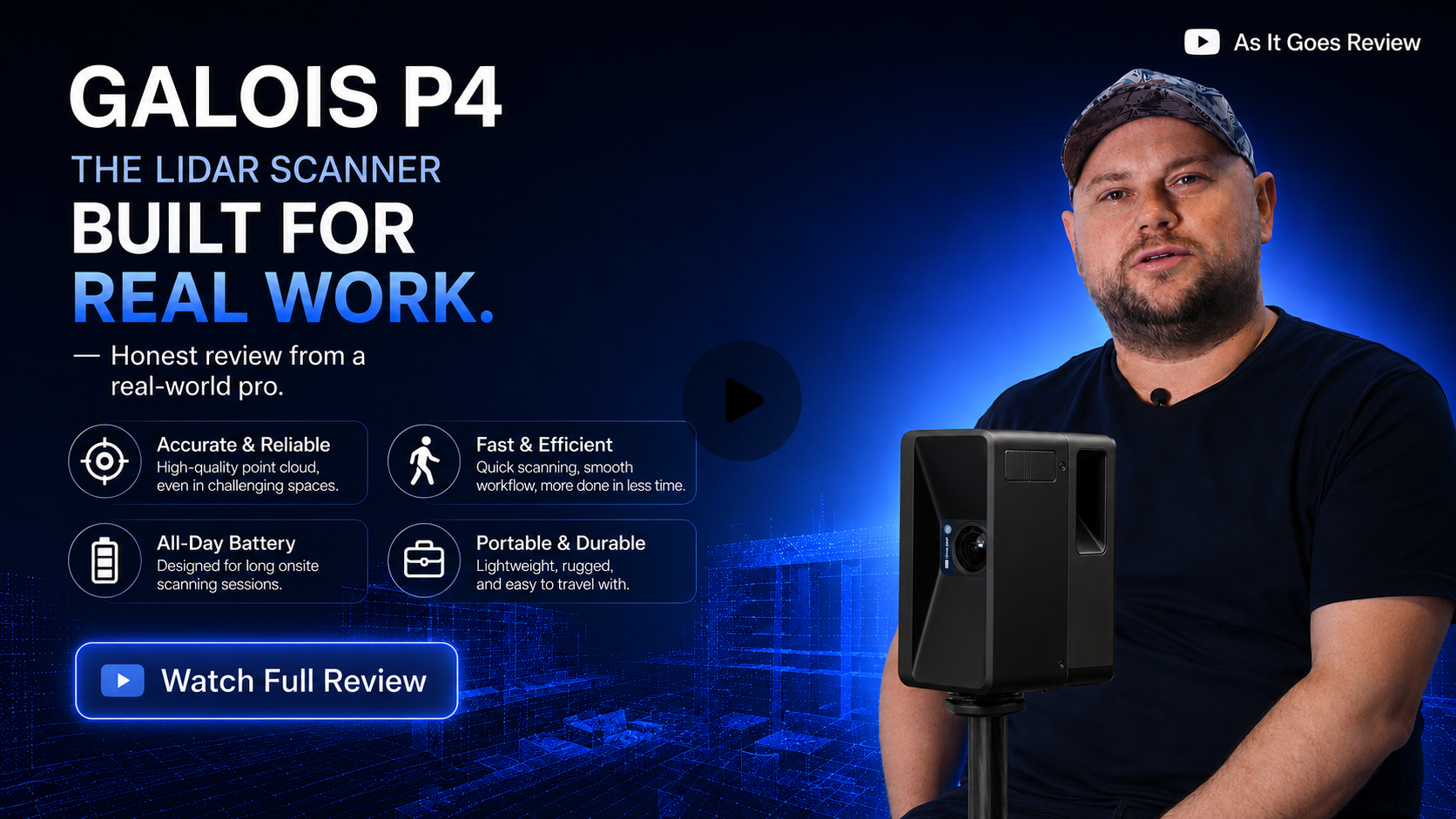
Yurify presents a detailed comparison and real-world review of two 3D scanning cameras designed for real estate photography: the established Realsee M2 and the newly launched Realsee P4. The focus is on hardware unboxing, physical features, technical specifications, scanning performance, and software ecosystem for managing and customizing tours.
The key purpose of Yuri’s review is to provide honest, practical feedback regarding the functionality and efficiency of the new P4 camera compared to the M2, helping professionals decide which device suits their business needs.
Unboxing and Physical Contents of Realsee P4 Kit
-
Included accessories:
-
Realsee P4 camera
-
Two compact batteries (noticeably smaller than M2 batteries)
-
Fiber cleaning cloth for lens/camera maintenance
-
Charger with easy plug-in cable
-
Quick release plate for tripod attachment
-
Magnetic lens cover for easy protection
-
Tripod by Manfrotto (customized for Realsee, made from lightweight carbon fiber and magnesium)
-
Two carrying cases: one for accessories, one for the camera with protective soft-touch material
-
Backpack designed for carrying the camera and accessories, including compartments for batteries, cables, and tripod straps
-
-
Physical characteristics:
-
The P4 camera is visually and dimensionally similar to the M2 but is black in color (M2 is cool gray).
-
P4 uses a built-in touchscreen, which allows full camera operation without needing a phone.
-
Weight and form factor closely match the M2.
-
Differences in battery design and LiDAR cover: M2 has a LiDAR cover; P4 does not.
-
Key Technical Specifications Comparison: Realsee M2 vs Realsee P4
|
Specification
|
Realsee M2
|
Realsee P4
|
Key Differences/Impact
|
|
Camera Sensor Resolution
|
20 Megapixels
|
47 Megapixels
|
P4 offers more than 2X the resolution
|
|
Number of Sensors
|
CMOS:4/3 inch
|
CMOS:4/3 inch
|
Same sensor count
|
|
Panorama Resolution
|
134 Megapixels
|
300 Megapixels
|
P4 panorama resolution is over twice as large
|
|
Lidar Scan Range
|
25 meters
|
100 meters
|
P4 offers 4x scanning range
|
|
Scan Point Rate
|
186,000 points/second
|
125,600 points/second
|
P4 collects points more than 6 times faster
|
|
Scan Speed per Scan
|
~25-30 seconds
|
~16 seconds
|
P4 scans considerably faster per individual scan
|
|
Storage Capacity
|
16 GB
|
512 GB
|
P4 provides 32x more onboard storage
|
|
Processor/Responsiveness
|
Processing after scan
|
Instant processing on screen
|
P4 shows results immediately, no waiting time
|

Performance and Quality Assessment
-
Scanning Speed:
-
P4 is significantly faster during scan sessions, especially beneficial for large properties.
-
Immediate post-scan processing on the P4 eliminates wait times present with the M2.
-
-
Indoor Image Quality:
-
Both cameras produce sharp, clear images with excellent detail.
-
M2 images are slightly brighter but have a slight bluish tint when handling varied lighting.
-
P4 images display more natural colors and handle complex lighting conditions better.
-
-
Outdoor Scanning:
-
P4 achieves a much wider scanning range from a single point compared to the M2.
-
Both cameras deliver crisp outdoor images.
-
P4 generates richer colors with higher vibrancy and better dynamic range.
-
Software Ecosystem: Realsee Console
-
Provides a comprehensive interface for managing tours, editing panoramas, and customizing virtual walkthroughs.
-
Key Features:
-
Edit and adjust panoramic images with both global (brightness, contrast, color) and local editing tools (masking, targeted retouches).
-
Automatic AI-based camera removal to eliminate visible equipment from scans flawlessly.
-
Ability to blur sensitive areas such as license plates.
-
Floorplan creation:
-
Manual floor plan building with an easy-to-use interface.
-
Add rooms, closets, bathrooms, doors, flip and adjust layouts.
-
Option to order professional floor plans from the Realsee team for 15 credits, customizable with furniture or empty layouts, delivered within 1-2 days.
-
-
-
Tour Customization:
-
Branding options and interactive hotspots.
-
Detailed settings ensure control at every level of the virtual tour.
-
Pricing Model and Cost Efficiency
-
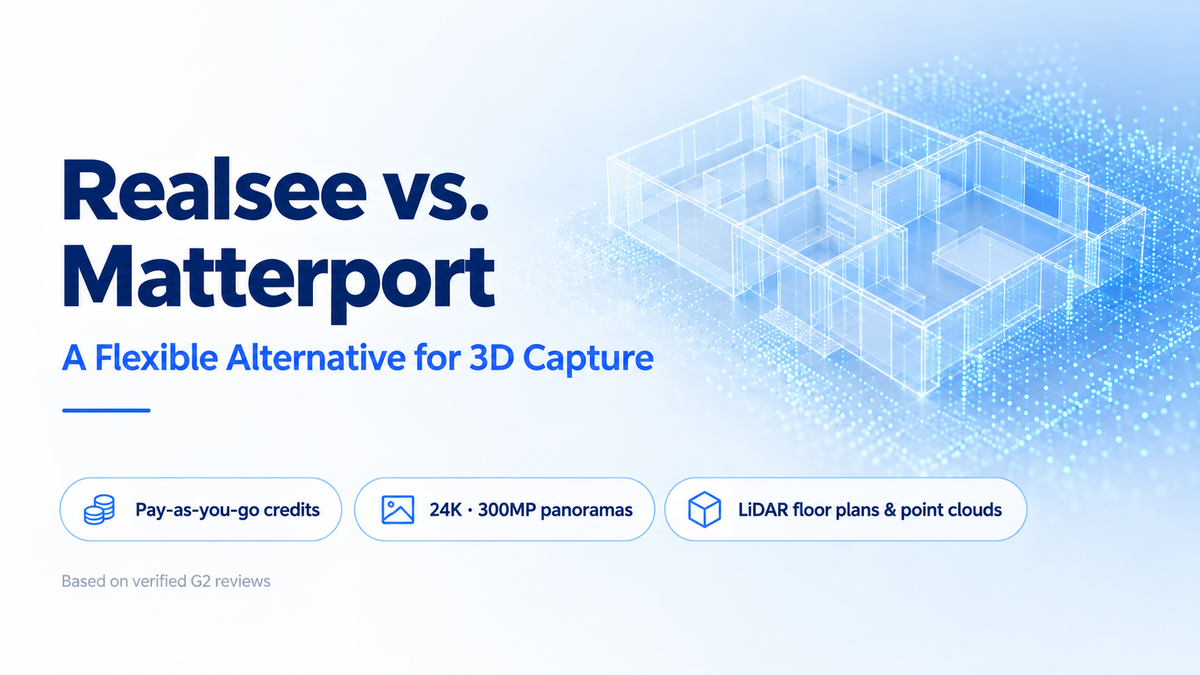
Realsee’s pricing operates on a credit-based, pay-as-you-go system without monthly subscriptions.
-
Credit prices vary based on purchase volume:
|
Credits Purchased
|
Amount Cost
|
Price per Credit
|
Notes
|
|
Small volumes (40 credits)
|
$120
|
$3.00
|
Base price
|
|
60 credits
|
$153
|
$2.55
|
Save 15%
|
|
150 credits
|
$360
|
$2.4
|
Save 20%
|
|
Large volumes (300 credits)
|
$675
|
$2.25
|
Save 25%
|
-
One credit is equivalent to hosting one tour for one month, enabling flexible long-term hosting with clear budgeting.
-
Comparison with Matterport:
-
Matterport uses a monthly subscription model tied to the number of active spaces and users.
-
Professional Plans start at $69/month with fixed fees regardless of scan activity.
-
Realsee’s model is more cost-effective for variable workloads or slow months.

-
Practical Recommendations and Use Cases
-
Realsee M2:
-
Suitable for traditional real estate photography.
-
Well-suited for small residential properties or spaces where image quality and reliability are important.
-
Trusted and proven by the reviewer across various projects.
-
-
Realsee P4:
-
Designed for large projects requiring speed, precision, and fast turnaround.
-
Much higher scan range and speed reduce time on site.
-
Ideal when managing large warehouses, distribution centers, construction sites, or commercial properties.
-
Instant processing and enhanced sensor capabilities improve workflow efficiency significantly.
-
-
The P4 merges high-quality imaging, extended range, and advanced software integration to elevate professional real estate and commercial 3D scanning capabilities.
Key Insights
-
The Realsee P4 is a significant upgrade over the M2, especially regarding scanning speed (nearly twice as fast), range (4 times further), storage (32 times larger), and image quality (higher resolution and more natural colors).
-
The built-in touchscreen on the P4 allows standalone operation without the need for an external device.
-
Realsee’s software console adds powerful editing and customization tools, enhancing the final virtual tour quality.
-
The credit-based pricing model offers predictable costs and flexibility compared to subscription services like Matterport.
-
For large-scale or commercial projects focused on efficiency and accuracy, P4 is the recommended choice, while M2 remains suitable for smaller residential shoots.
-
The reviewer’s practical experience over multiple years reinforces confidence in the product’s reliability and overall value.

This review presents a thorough analysis of Realsee's latest P4 camera, emphasizing its technological advancements and practical benefits for real estate photography professionals, especially those working on large or complex projects where time and quality are critical. The Realsee ecosystem—including hardware and software—offers a compelling integrated solution with competitive pricing flexibility.