


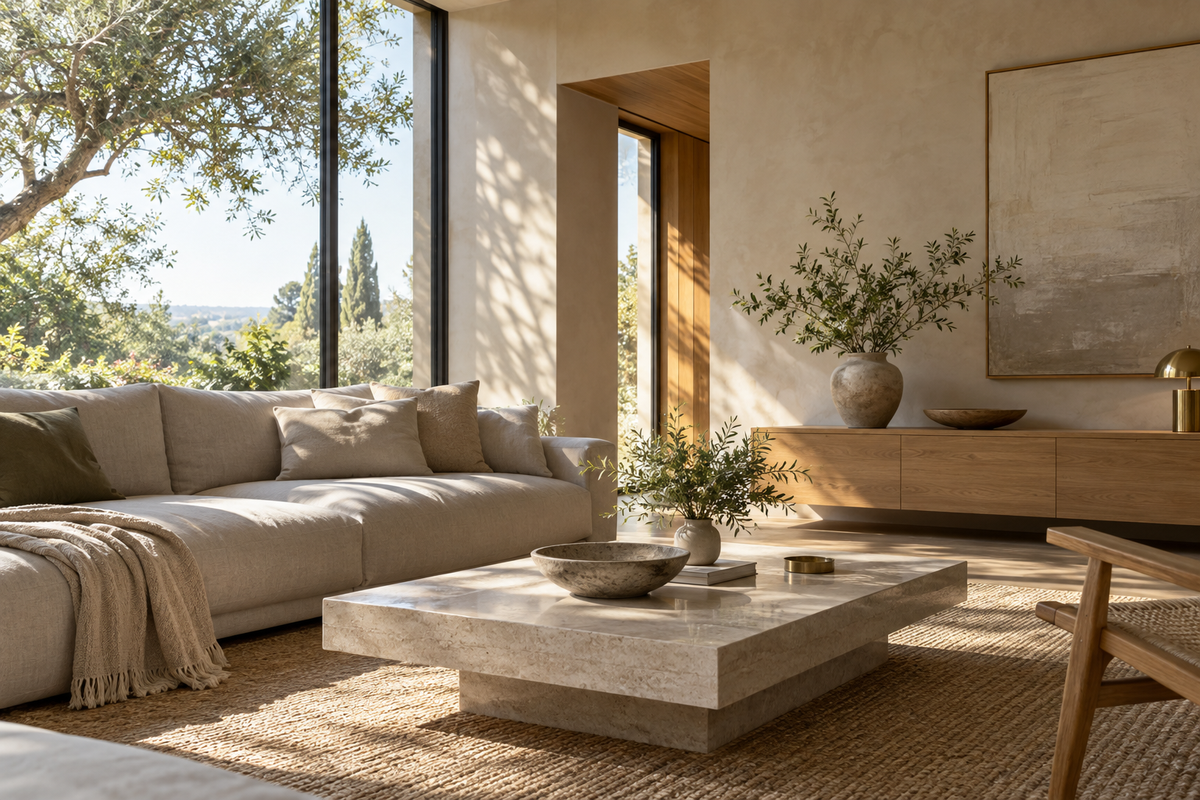
When we explore a space, we take in its layout, inspect details, and move between rooms. Daylight, surface reflections, and interior lighting change with our position and direction of view. A digital space needs to support that journey too.
At Realsee, we extend Ultra HDR's image capabilities into Space HDR: a lightweight online HDR approach for panoramic spaces, spanning capture, packaging, delivery, presentation and further editing. People can look around, inspect details and move between viewpoints. Our task is to carry the light information retained at capture through that experience.[1] [2]
Experience Space HDR at PAMARAH Lodge
Open the PAMARAH Lodge Space HDR experience to compare views of the same space. The model overview shows the building layout; return to panorama view to look around and inspect details. [3]
Look for the “24K HDR” badge in the first panorama (left or top) and use “Sync view” to compare viewing directions. Badge visibility differs in the model overview and the other comparison view. Run the support check to identify the next step: enable system HDR, update the browser, or use an HDR-capable display or device.
You can run the embedded HDR support check to inspect the current browser and display.
Check your HDR viewing environment
If the HDR badge is missing, run the check and follow the browser or display guidance. Check the badge in panorama view.
Ready to check
- Browser graphics
- HDR display capability
- Browser HDR output
Space HDR brings high-dynamic-range imagery into this viewing experience. Panoramas carry captured appearance, the model provides spatial context and navigation, and HDR data adds information about light relationships within the imagery.

The model represents layout and navigation; the panoramas represent imagery from individual viewpoints.
Bring light information from RAW into an online space
Space HDR starts with RAW data captured by Realsee Galois. Image processing builds on that source data, followed by compression and packaging that carry the light information to presentation in a browser.[1]
Source data serves the needs of capture and processing. Online viewing also has to account for network delivery, decoding and texture costs on the device. We organize imagery into lightweight resources for online loading: provide a panorama foundation, then add local detail as the view requires it. Packaging determines how the information is carried; resource organization determines how it is used during a visit.
The image layer follows Ultra HDR's approach: an SDR, or standard dynamic range, base image, a gain map and metadata. In an Ultra HDR JPEG, ordinary readers can display the base. Compatible decoders use the additional information to recover an HDR rendition.[4] [5]
The gain map describes a spatially varying relationship between SDR and the intended HDR rendition. A window highlight and a shaded wall can receive different gains. Recovery first converts the base to linear light and interprets the gain map using its gamma, gain range and offset metadata. These data describe the recovery of image brightness.[4]
For spatial viewing, we organize the base, gain map and recovery parameters with their corresponding viewpoint. Information packaged together in a JPEG can also be loaded as paired spatial resources. In either form, the images, parameter units and color interpretation must agree.
Keep light information aligned while turning and zooming
As a viewer turns toward a window, the panorama samples a different region. The gain map must follow the same direction. We sample the base and gain data using corresponding viewing directions, so recovery applies to the surface currently in view.
The two images can have different resolutions. What matters is that their orientation and locations correspond. The gain data for a window frame must map to that frame in the base. The public format likewise requires matching orientation and at least bilinear sampling when the gain map is resized.[4]
Zooming adds another requirement. As the field of view narrows, a smaller region fills more screen pixels and needs finer texture detail. Realsee's panorama renderer selects detail levels using the field of view and display size. Base and gain imagery use corresponding region and loading parameters. When more tabletop detail arrives, the recovery data follows that region.
Color and gain also need distinct treatment. Color textures need decoding into linear light, while gain textures must retain their meaning as data. We preserve that distinction when reusing textures, avoiding an unintended color conversion of the gain values.
A new viewpoint needs a complete set of information
Moving from the dining hall to a corridor changes more than the camera direction. The new viewpoint has its own base, gain map and recovery parameters. Data from the previous location must not remain attached to the new image.
During a transition, we determine whether each viewpoint has usable HDR data and select its corresponding rendition before combining the views. A viewpoint with only an SDR base uses the information it has. HDR capability therefore follows individual viewpoints, rather than applying one brightness factor to the entire venue.
Returning from the model overview to a panorama also requires the current viewpoint, image resources and display state to agree. The model helps the viewer find a location. Once there, the imagery and gain data for that position participate in presentation. Navigation and HDR image processing become connected parts of the same visit.
Carry the recovered range through to the screen
Recovery uses a target display headroom to determine how much gain to apply. Adobe's gain-map description places this adaptation at display time, allowing the image to serve different viewing conditions.[6]
A simplified example shows the effect of the gain weight. Take a linear base value S = 0.5, a decoded gain G = 4, and zero offsets. Recovery becomes:
H = S × Gw
Here, w controls how much gain is applied. Weights of 0, 0.5 and 1 produce 0.5, 1.0 and 2.0 respectively, on a linear scale where SDR white is 1. Panorama recovery uses the image and gain for each sample location, together with the target display headroom, to calculate the output.[4]
The recovered values then need to survive rendering. In a linear representation where SDR white is 1, a value of 2.0 represents a range above that reference white. Clamping it back to 1.0 in an intermediate texture or at output discards the distinction. Our HDR path uses floating-point representation to carry those values into an extended-range canvas. Chrome's public WebGPU example uses rgba16float with extended tone mapping.[7]
Before drawing, Realsee selects HDR parameters from the user setting, display capability and active backend. If display capability or the backend changes, the application synchronizes its parameters and skips that draw, then updates the panorama’s intermediate texture with the new settings. After drawing, it checks gain use in the current materials and the canvas configuration to update the frame’s HDR status.
HDR presentation needs support from the browser, operating system and screen. The dynamic-range: high query supplies a capability signal; recovery uses the target headroom supplied by the application, while the current system and screen state determine the range that can be presented.[8] The spatial viewer uses the SDR base when the user disables HDR, the query does not match high, or WebGL 2 is the active backend.
Editing and AI processing belong in the same chain
Space HDR also includes further editing and AI use in the image workflow.[1] Such processing needs to preserve the relationship between the base, gain map and recovery parameters in the resulting content.
For example, rotating or cropping an image requires its gain data to retain the corresponding position. Changing the light relationships requires the HDR representation to be updated accordingly. The edited result can then continue through spatial viewing as a coherent set of resources.
Try the panorama viewer and Space HDR tours
Developers can start with Realsee's open-source Panorama Viewer to explore Ultra HDR's image and panorama capabilities. It reads the base, gain map and metadata from an Ultra HDR JPEG, recovers the image on the GPU and exposes a display-boost adjustment. It is a useful place to understand how one image behaves while looking around and zooming.[9] [10]
For the Space HDR experience, open the PAMARAH Lodge comparison. Enter the first panorama (left or top) and look for its HDR badge, then turn or move between viewpoints to inspect highlights, materials, and interior light. [3]
For more public spaces, browse Realsee Discover by categories including restaurants, residential properties, hotels, museums, and retail. [11]
References
- [1] Realsee — 谷歌让一张照片有了 HDR,我们让整个空间都有了 (Bringing HDR from a photo into an entire space)
- [2] Realsee — 美团VR实景餐厅HDR同步上线 (Space HDR restaurant cases)
- [3] Realsee — PAMARAH Lodge Space HDR comparison
- [4] Android Developers — Ultra HDR Image Format v1.1
- [5] Google — libultrahdr
- [6] Adobe Camera Raw — Gain Map
- [7] Chrome for Developers — What's New in WebGPU (Chrome 129)
- [8] W3C — Media Queries Level 5, Dynamic Range
- [9] Realsee — Panorama Viewer — WebGPU · HDR
- [10] Realsee Panorama Viewer — Development & Architecture
- [11] Realsee Discover — Public virtual tour collection