


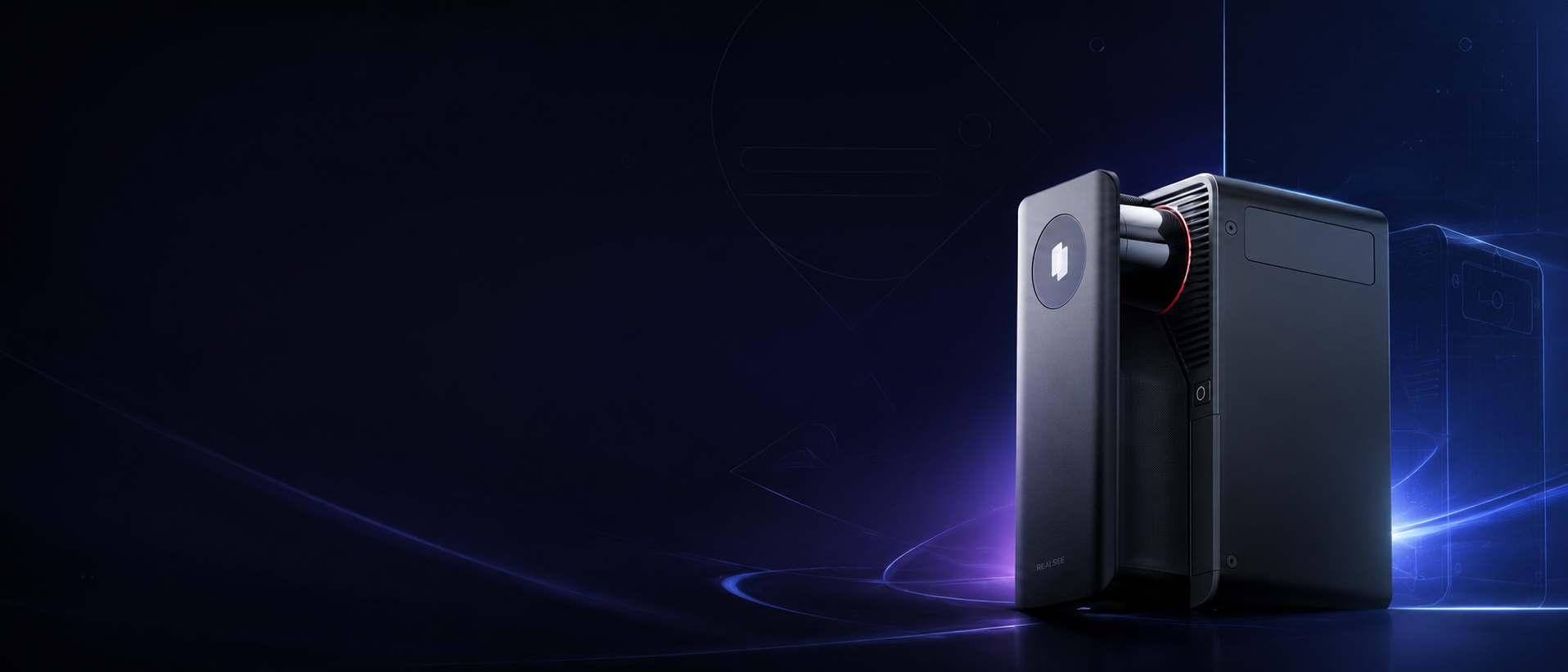
Galois P4 vs Matterport Pro3
Compare two professional 3D capture workflows
A side-by-side comparison of two professional 3D capture workflows
This page compares Galois P4 and Matterport Pro3 across publicly available specifications, capture workflow, deliverables, and pricing models to help professionals choose the right 3D capture system.
Quick Verdict: Which 3D Camera Fits Your Workflow?
Choose Galois P4 for Visual Detail
Capture 24K, 300MP panoramas with rich image detail, 8X lossless zoom, and multispectral HDR imaging for premium virtual tours.
Choose Galois P4 for Faster Fieldwork
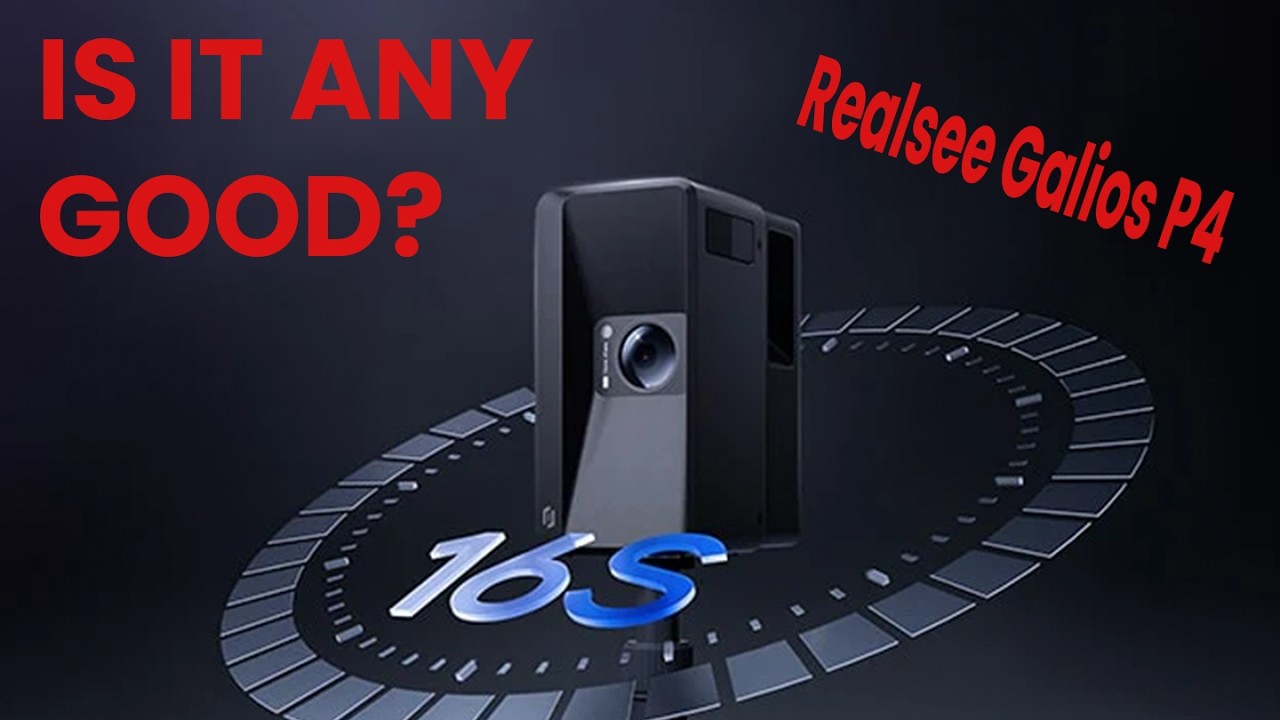
Scan in around 16 seconds per point, use blind capture directly on the touchscreen, and enable co-capture for large-space projects.
Choose Galois P4 for Dense Spatial Data
Capture around 125,600 points per second with ±10mm accuracy at 15m, supporting point clouds, 3D models, and professional deliverables.
Choose Matterport Pro3 for Matterport Workflows
Matterport Pro3 may fit teams already standardized on Matterport Cloud, Matterport plans, and existing Matterport-based delivery processes.


Core comparison
Galois P4 vs Matterport Pro3: Key differences
Compare capture efficiency, image quality, and capture precision to see how Galois P4 and Matterport Pro3 differ in real-world 3D scanning workflows.
Want a broader buying FAQ before choosing?Galois P4
Matterport Pro3
16 seconds
<20 seconds per scan
Supported. Multiple Galois devices can work in parallel for large-space capture workflows.
Not listed as a supported Pro3 feature in Matterport’s official technical specifications.
Supported. Operators can capture directly from the device touchscreen without keeping a phone connected during scanning.
Not listed as a supported Pro3 feature in Matterport’s official technical specifications.
300MP panoramas (24K output)
134.2MP output panoramas
4/3-inch CMOS
Not specified in official Pro3 specifications
8X lossless zoom
Not listed as 8X lossless zoom in Matterport’s official Pro3 specifications
Around ±10mm at 15m
±20mm at 10m
Around 125,600 points per second
100,000 points per second
100 meters
100 meters
Pricing Model Comparison
Pay-as-you-go flexibility vs. subscription-based scaling
Hardware price is only one part of the decision. Long-term platform costs, active space limits, hosting, and add-on deliverables can all affect the total cost of ownership.
Pricing and plan details may change over time. The comparison below is based on publicly available pricing and support information at the time of review.
Realsee Pricing
Matterport Pricing
Pay as you go. No monthly subscription required.
Subscription-based plans, billed by Active Spaces and plan level.
No required monthly software plan to use Galois P4 with Realsee.
Pro3 requires a Professional plan or higher. Free and Starter plans cannot upload Pro3 scans.
Use credits to keep projects active for sharing.
Active Spaces are included based on the subscription plan.
40 credits start at $120. 1 credit can keep 1 Galois project active for 30 days.
Professional plan includes 20–150 Active Spaces; Business includes 100–300 Active Spaces.
Capture, upload, edit, preview, and storage are free in Realsee.
Included within Matterport platform plans, depending on plan and camera support.
Credits can also be used for selected deliverables, such as point clouds, RAW images, panoramas, 3D models, and floor plans.
Schematic floor plans, MatterPak, E57, CAD, BIM, Sketch, and TruePlan files may require eligible plans and additional purchases.
Teams that want flexible usage, no monthly subscription, and output-driven delivery.
Teams already standardized on Matterport Cloud, Active Spaces, and Matterport add-on workflows.
Key differences
Where Galois P4 stands out
Galois P4 is designed for professionals who need more than a standard virtual tour. It combines high-resolution imaging, LiDAR capture, flexible field workflows, and export-ready spatial data in one system.

24K visual detail
Galois P4 outputs up to 300MP panoramas at 24K resolution, helping viewers inspect textures, finishes, and distant details with greater clarity.

Faster capture workflow
With around 16 seconds per scan ring, Galois P4 helps reduce time on site while maintaining professional spatial capture quality.

Blind capture on device
The built-in touchscreen supports blind capture, allowing operators to scan without keeping a phone connected throughout the capture process.

Co-capture for large spaces
For large commercial spaces, multiple Galois devices can capture in parallel and connect shared scan points, improving production efficiency for large projects.

LiDAR sampling rate
Galois P4 samples around 125,600 points per second. Final point cloud density also depends on scan settings, distance, and scan placement.

Flexible Realsee deliverables
From immersive 3D tours to point clouds, 3D models, panoramas, floor plans, and spatial videos, Galois P4 connects directly with the Realsee delivery ecosystem.
Use cases
Which workflow is right for you?
Both cameras can serve professional 3D capture workflows. The better choice depends on your project type, required deliverables, and how much control you need over capture, output, and platform flexibility.
FAQ
Frequently asked questions
How do Realsee and Matterport differ in software pricing?
- Realsee uses a pay-as-you-go credits model with no required monthly subscription. For Galois M2, Galois P4, and Poincaré projects, no credits are deducted during project generation. Credits are used to maintain Active status for sharing, and can also be used for selected downloadable deliverables or add-ons.
- Matterport Pro3 works with Matterport’s paid platform plans. Matterport states that Pro3 requires a Professional plan or higher, and Matterport plans are priced based on Active Spaces and plan level. Additional deliverables such as MatterPak, E57, CAD, BIM, Sketch, TruePlan, or floor plans may require eligible plans and additional purchases.
What deliverables can Galois P4 export?
- Galois P4 with Realsee can support professional outputs such as immersive 3D tours, 24K panoramas, .E57/.PLY point clouds, RAW image files, 3D models, CAD deliverables, floor plans, 3D snapshots, and spatial videos. Availability and credit requirements may vary by project type and output format.
How do panorama output resolutions compare?
Galois P4 outputs up to 300MP panoramas at 24K resolution. Matterport’s official specifications list Pro3 output panoramas at 134.2MP.
Which camera is faster to scan with?
Galois P4 captures around 16 seconds per scan ring. Matterport’s official specifications list Pro3 capture speed at less than 20 seconds per scan. Real on-site speed also depends on scan spacing, project size, workflow, operator experience, and required deliverables.
What is blind capture on Galois P4?
Blind capture allows operators to scan directly from the Galois P4 device touchscreen without keeping a phone connected during the capture process. This can simplify fieldwork in certain environments and make scanning more flexible on site.
Disclaimer
Matterport and Matterport Pro3 are trademarks of Matterport, Inc. This comparison is provided for informational purposes only and is based on publicly available information from official product, pricing, and support pages at the time of review. Realsee is not affiliated with, sponsored by, or endorsed by Matterport.
Product specifications, pricing, subscription plans, add-on availability, and deliverable options may change over time. Please refer to each provider’s official website for the most up-to-date information before making a purchase decision.
Where a feature is described as “not listed,” it means the feature was not identified in the reviewed official specifications or public product documentation at the time of review. It should not be interpreted as a definitive statement about all current or future product capabilities.