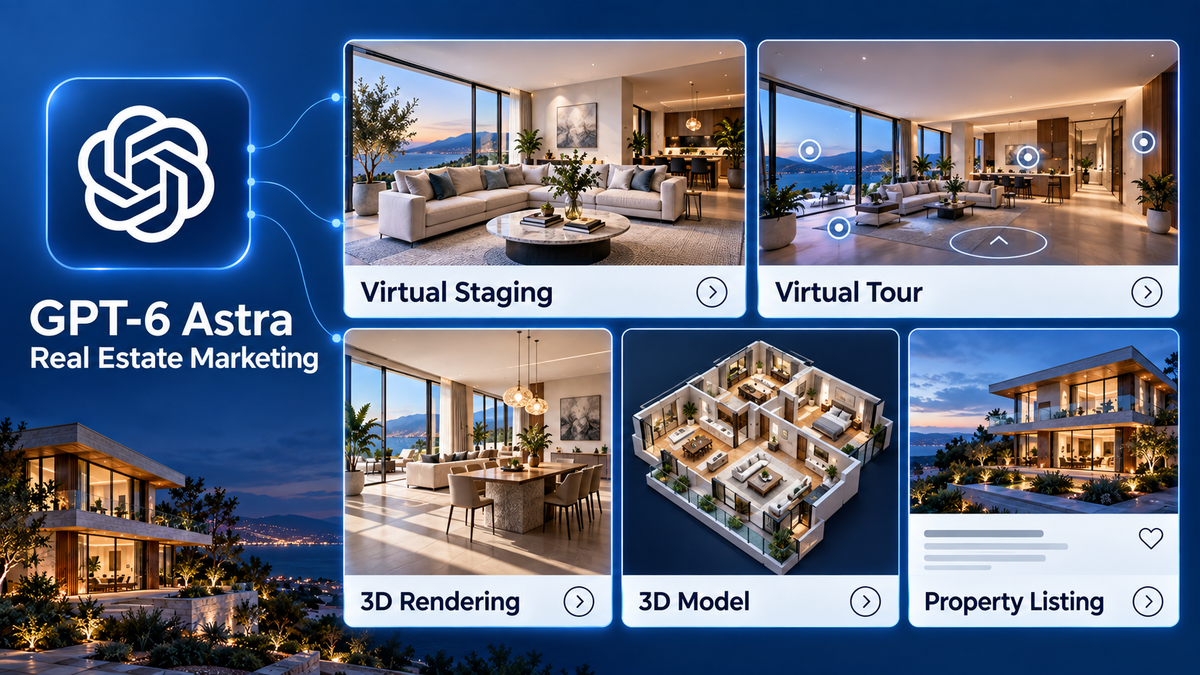
OpenAI’s September 2026 introduction of GPT-6 Astra brings new possibilities for real estate marketing. In its launch announcement, OpenAI highlights advances in computer use, professional document creation, website building, and visual work. These capabilities create opportunities to connect tasks that property teams often handle separately.
OpenAI’s GPT-6 Astra announcement
For real estate agents,
photographers, and marketing teams, the practical question is where AI can make a property campaign more useful: clearer listing information, more relevant follow-up, or a visual presentation that helps buyers understand a space.
This article explores practical ways to use GPT‑6 Astra in real estate marketing, from creating listing content and property pages to visualizing a property’s potential through virtual staging and 3D rendering.
What Does GPT-6 Astra Bring to Real Estate Marketing?
GPT‑6 Astra can help real estate teams create listing content, build property pages, and produce interior visualizations with tools like Blender.
Official capability overview
Create Listing Descriptions and Multichannel Content
Effective marketing for real estate agents starts with a clear explanation of what a property offers. Build the brief around concrete features: how the rooms connect, where storage is located, and which spaces open outdoors. Avoid asking AI to fill gaps in the listing information.
For example, a confirmed detail such as “the kitchen opens onto a covered terrace” gives the draft something specific to explain. It is more useful than a request to make every room sound luxurious.
Try a prompt such as:
Using the verified property brief below, draft a 150-word listing description. Explain the layout and three practical features in a clear, professional tone. Do not add dimensions, amenities, renovation history, or neighborhood claims. List missing information separately.
One of the simplest real estate marketing ideas is to turn an approved listing description into a small content series. The first post can introduce the property, the second can explain the layout, and a later email can invite readers to explore further or book a viewing.
Choose the visual for each message before finalizing the copy. An outdoor-living post needs a relevant terrace image; a layout post should direct people to a floor plan or virtual tour. This gives each asset a purpose within the broader
real estate digital marketing strategy.

Visualize Property Potential with Virtual Staging and 3D Rendering
Help buyers imagine how an empty room could work as a living area, dining space, or home office. For a real estate photographer, this can be an additional service alongside photography and virtual tours.
Realsee’s workflow connects real property capture with AI-assisted visualization:
-
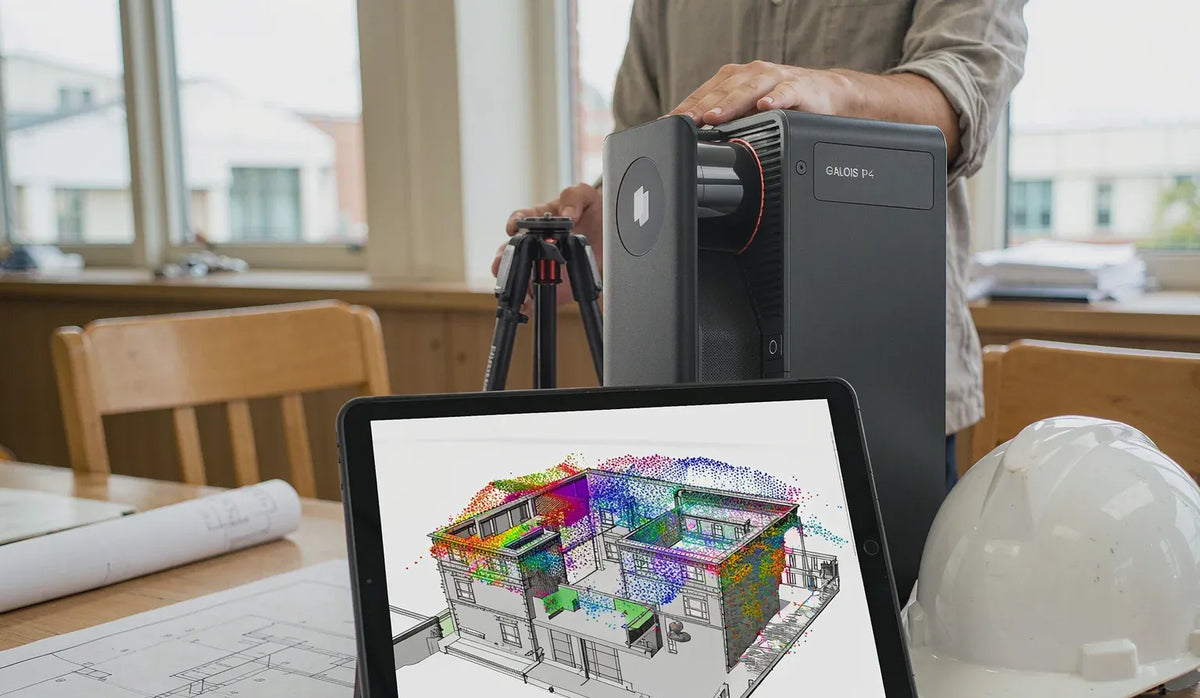
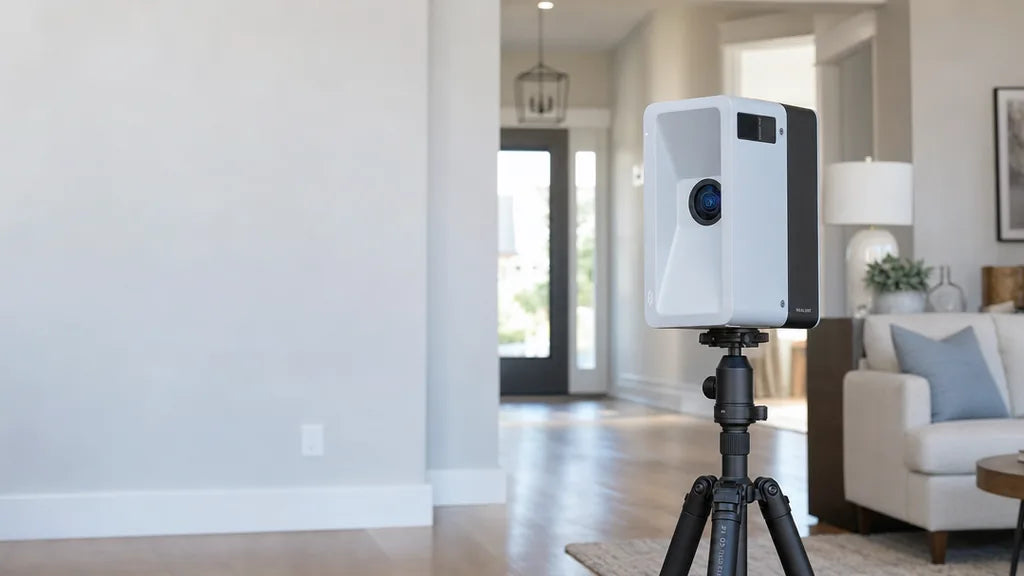
Capture the space: Use Galois P4 outputs, such as models, point clouds, panoramas, and layout references.
-
Build an editable scene: Use GPT-6 Astra with Blender to create and refine scene elements.
-
Review the result: Check room proportions, furniture scale, door clearance, and walking routes before rendering final visuals.
Start with two furniture arrangements for one room. Show the original view alongside each proposal, label it “Virtual staging concept,” and seek professional assessment for any proposed structural changes.
Follow the Realsee Galois-to-Blender tutorial to explore the workflow.

How Our Founder Used GPT-6 Astra to Reconstruct a Real Apartment
Our founder, Xinchen Hui, recently tested this approach using 4.3 GB of spatial data captured with Realsee Galois P4 to reconstruct a real apartment.
His experiment explores two key ideas:
-
Detailed spatial references help reduce guesswork: Captured geometry and imagery give AI more information about the actual space.
-
Input quality matters: As AI becomes more capable, reliable source data remains essential to useful reconstruction.
Read the full experiment on LinkedIn.
Build Property Pages with an Interactive Virtual Tour
A property page needs to help visitors move from initial interest to a meaningful next step. Use Astra to explore the page structure and implementation, then check the finished experience on desktop and mobile.
A practical page brief could include:
-
A lead image and concise property overview.
-
A section explaining the layout and key features.
-
A Realsee virtual tour link or supported embed, supplied by the team.
-
Clearly labeled concept imagery, where relevant.
-
An inquiry form or viewing request button.

Ask for a layout in which the tour is easy to find and the inquiry button remains understandable without reading the whole page. Supply the actual tour URL or embed code instead of expecting the model to invent a connection.
Before publishing, test loading behavior, mobile navigation, form delivery, and the viewing link. Decide who receives inquiries and how they will respond. An attractive page only helps the campaign when visitors can successfully take the next step.
Use Campaign Data to Decide What to Test Next
After launch, provide a dated export of campaign results and ask Astra to help organize the review. Include definitions for the metrics so sessions, clicks, inquiries, and viewing requests are not treated as interchangeable.
Useful questions include:
-
Which sources brought visitors who submitted inquiries?
-
Which emails generated clicks to the property page?
-
Where did users stop before completing the inquiry form?
-
Which visual or message should be tested next?
Treat explanations as hypotheses to investigate. High traffic with few inquiries might reflect the audience, the property, missing information, or a technical problem. Inspect the page and tracking before attributing the result to the copy.
Track tour interactions explicitly if they matter to the review. A property-page visit alone does not establish that someone opened or explored the tour.
Connect AI-Assisted Marketing with Real Property Experiences
GPT-6 Astra gives real estate teams several workflows to explore, from preparing launch content to assisting with property visualization. The strongest starting point is a well-documented property and a clear question the marketing needs to answer.
For Realsee users, that creates an opportunity to connect the existing property experience with new presentation ideas. Let buyers explore the current space, show proposed possibilities transparently, and give them a clear path to speak with the team.
Frequently Asked Questions
1. Why is spatial data useful when AI already has property photos?
Photos show appearance, while point clouds, depth data, and floor plans provide additional references for geometry and room connections. Combining these inputs helps AI reconstruct the actual property with less guesswork.
2. How can an editable 3D scene support real estate marketing?
Teams can test furniture layouts, compare finishes, and create renders or walkthrough videos. The Realsee Galois-to-Blender workflow shows how captured data can support this process. Clearly distinguish proposed designs from the property’s current condition.
3. Does virtual staging show the property’s current condition?
No. It shows a proposed furnishing or design arrangement. Label staged visuals clearly and display them alongside original photography or a Realsee 3D tour so buyers can compare the concept with the existing space
4. Can a Realsee tour link alone start the Blender workflow?
No. You need downloadable Galois outputs, Blender, and an execution environment with access to both. The tour link provides visual context, but reconstruction relies on the source files. Follow the
Realsee Blender setup guide and review the resulting scene for accuracy.
5. What should agents check before publishing AI-assisted content?
Verify property details, check visuals against the original capture, and label virtual staging clearly. If you add content through the
Realsee 3D Tour Editor, check its accuracy and test navigation, media, and enquiry links on desktop and mobile.
Review the buyer’s experience too. If you use the
Realsee 3D Tour Editor to add images, videos, or information links, make sure they match the property and work correctly. Test the tour and enquiry links on mobile and desktop. The same principle applies throughout: reliable source data improves the starting point, and human review determines what is ready to publish.
Interested in What Realsee Can Do?
Talk with our team to find the right solution for your workflow.
Contact Us
About the Author
Amber Zhong is a Marketing Specialist at Realsee, specializing in 3D spatial technology, real estate marketing, and digital content strategy. She explores how immersive technology and AI can help real estate and built-environment professionals create more engaging experiences, streamline workflows, and communicate the value of physical spaces more effectively.