

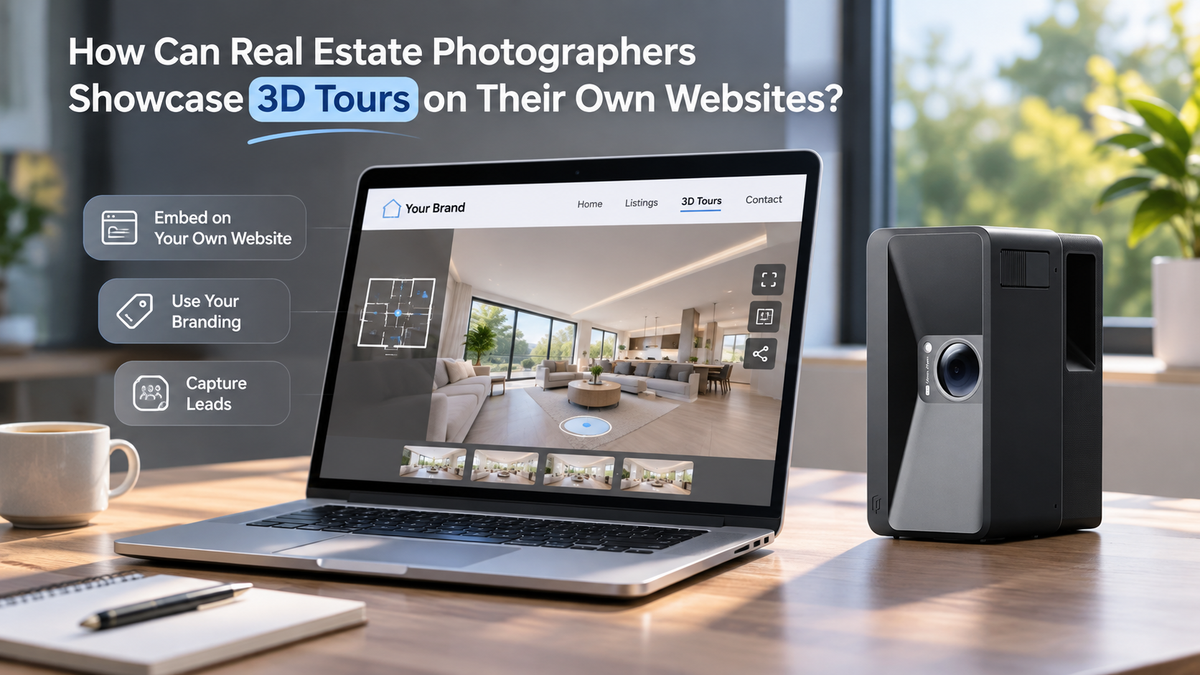
Realsee gives real estate photographers the ability to embed an active 3D tour on their portfolio or business website using an iframe, so prospective clients can explore a property interactively on the photographer’s site.
Why can it be hard for photographers to show the value of a 3D tour?
A prospective agent or property owner choosing a photographer needs to understand what the finished deliverable looks and feels like. A gallery of still images can show image quality, but it cannot provide the same hands-on experience as moving through an interactive property tour. A live example lets a prospective client explore the rooms and navigation before deciding whether that service fits a listing.
This is a difference in presentation format, not a claim that still photography is ineffective. Photographers can show still images and interactive tours side by side to explain what each deliverable offers.
How can an embedded tour improve a photographer’s portfolio presentation?
An embedded tour places the interactive example inside the photographer’s own website or portfolio page. Visitors can explore the property while staying on that page, and the photographer can present the tour alongside their services, sample work, and contact details.
The embed is useful for demonstrating the actual client deliverable. Photographers can choose a representative property, give it a clear starting view, and add labels or other tour content that helps a visitor understand the space. Any claims about the photographer’s brand controls or specific editing features should match the account and project configuration.
How do photographers embed a Realsee tour on a website?
First, set the VR project to Active in Realsee. In the PC Console, open the project editor, select Share, and choose Embed Code or Copy Embed. Paste the generated iframe into the website’s HTML or embed area, publish the page, and preview the result.

Website builders and themes can handle embeds differently, so check the published page on both desktop and mobile. The tour also needs to remain Active; hosting and activation use credits, so check the project’s current activation period before sharing it in a portfolio.
|
Step |
What the photographer does |
What to check |
|
1. Activate |
Set the VR project to Active |
Confirm the activation period |
|
2. Copy |
In PC Console, open the editor and select Share → Embed Code |
Copy the generated iframe |
|
3. Add |
Paste it into the site’s HTML or embed module |
Confirm the site allows iframe content |
|
4. Preview |
Publish or preview the page |
Check layout and interaction on desktop and mobile |
What should photographers include in an embedded-tour portfolio page?
A useful portfolio page can pair the tour with a short description of the project and the photographer’s role. For example, explain the property type, the intended audience, and which deliverables were created. Use only details the photographer is permitted to share.
The page can also make the next step clear: a contact link or inquiry button for agents who want to discuss a similar shoot. The inquiry route should be the photographer’s own website contact method; a visitor message form inside a property tour may be intended for the property owner or agent and should not be presented as the photographer’s lead form unless configured for that purpose.
|
Portfolio element |
Why it helps a prospective client |
|
Embedded interactive tour |
Lets the visitor experience the deliverable directly |
|
Short project context |
Explains what kind of property and service the example represents |
|
Photographer’s role and deliverables |
Clarifies what was included in the work |
|
Clear contact link |
Shows how to ask about a shoot or request a quote |
Frequently asked questions
Does the tour need to be active?
Yes. The official instructions say to set the VR project to Active before copying and embedding it. If activation ends, the embedded experience may no longer be available; confirm the project’s current status and activation period.
Will the embed work on every website builder?
It can work on websites that permit iframe or custom HTML, but site settings and themes vary. Check the platform’s permissions and test the published page.
Can visitors explore the tour without leaving my website?
Yes. The tour appears within the webpage through an iframe.
Do I need to install a plugin?
No Realsee plugin is required. Copy the iframe embed code and add it to a website section that supports embeds.
Can I embed a tour on a client’s property page?
Yes, if the website allows iframe embeds. Preview the published page to check that the tour displays correctly.
Can I use the same tour on more than one page?
The embed code can be added wherever you want to display the tour, as long as the page supports iframe embeds and the tour remains Active.