What is Point Cloud?
Point Cloud is a digital representation used to represent objects or scenes in three-dimensional space. It is composed of a large number of points, each with a definite coordinate in three-dimensional space.
Download Format: E57 and PLY
The differences and usage suggestions between E57 and PLY are as follows:
- E57 focuses more on efficient storage of point clouds and related metadata, commonly used for professional level 3D scanning applications; PLY is more commonly used for storing polygon meshes and simple point cloud data.
- E57 is suitable for applications that require storing complex metadata, such as complete 3D scanning projects; PLY format is more suitable for scenes that require lightweight data storage or direct interaction with 3D models.
Downloading Point Cloud from Add-ons
Users can download the project's Point Cloud through the Add-ons section by following these steps:
- Click on the corresponding VR project to enter the project preview interface
- Select the Add-ons option from the top toolbar
- Choose Point Cloud to download
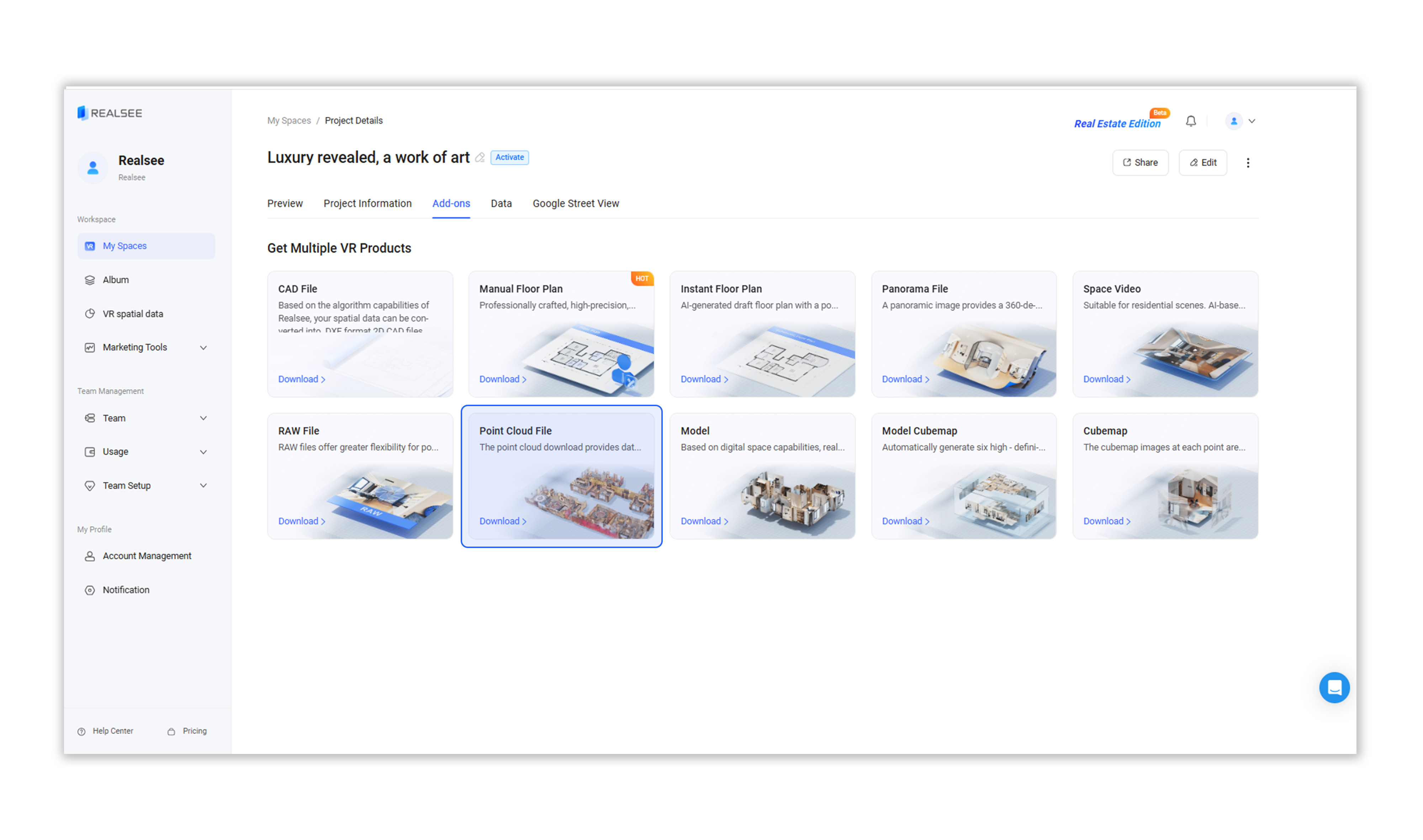
- Select either E57 or PLY as the download format, then click the Download Now button. In the pop-up window, confirm by clicking OK button.


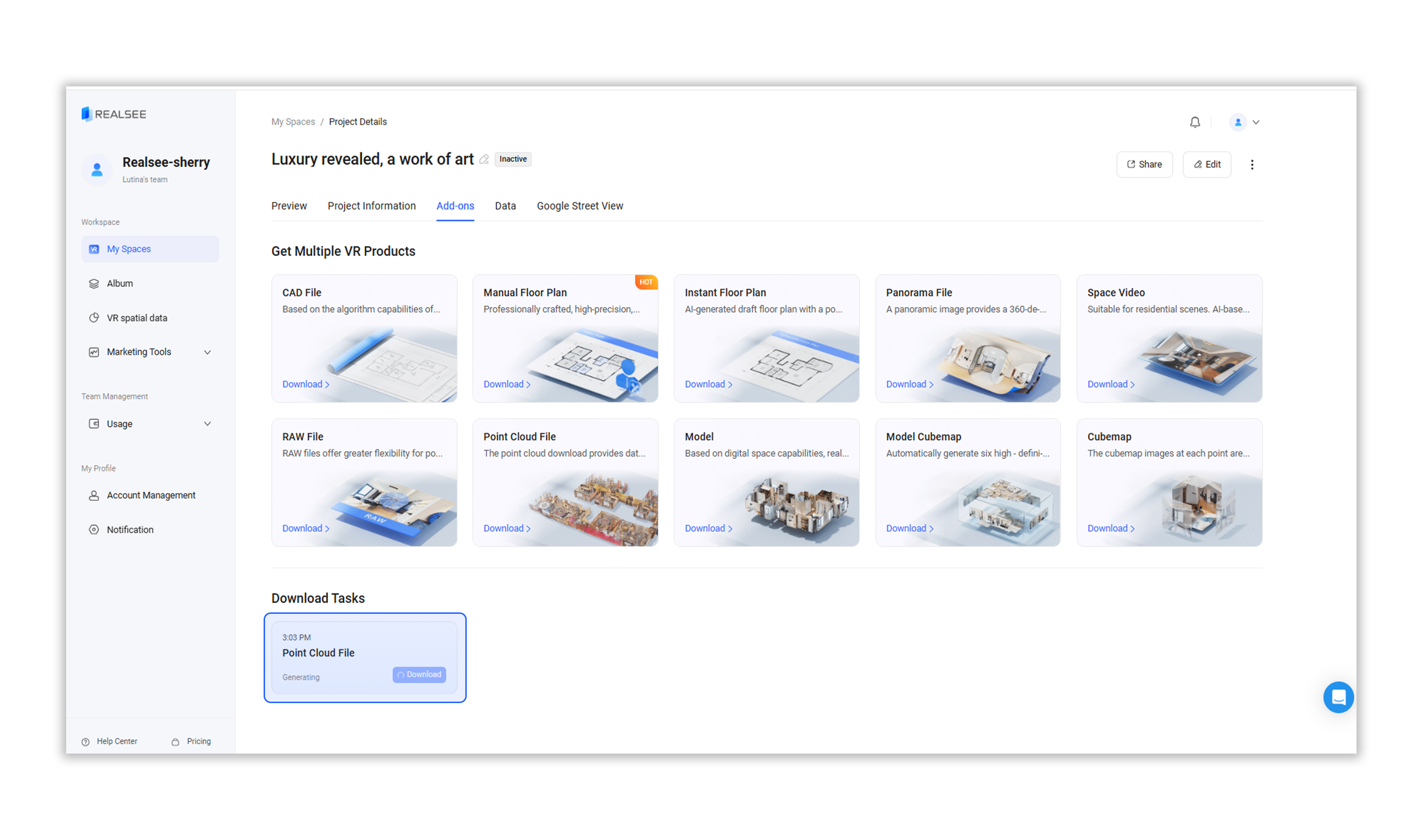
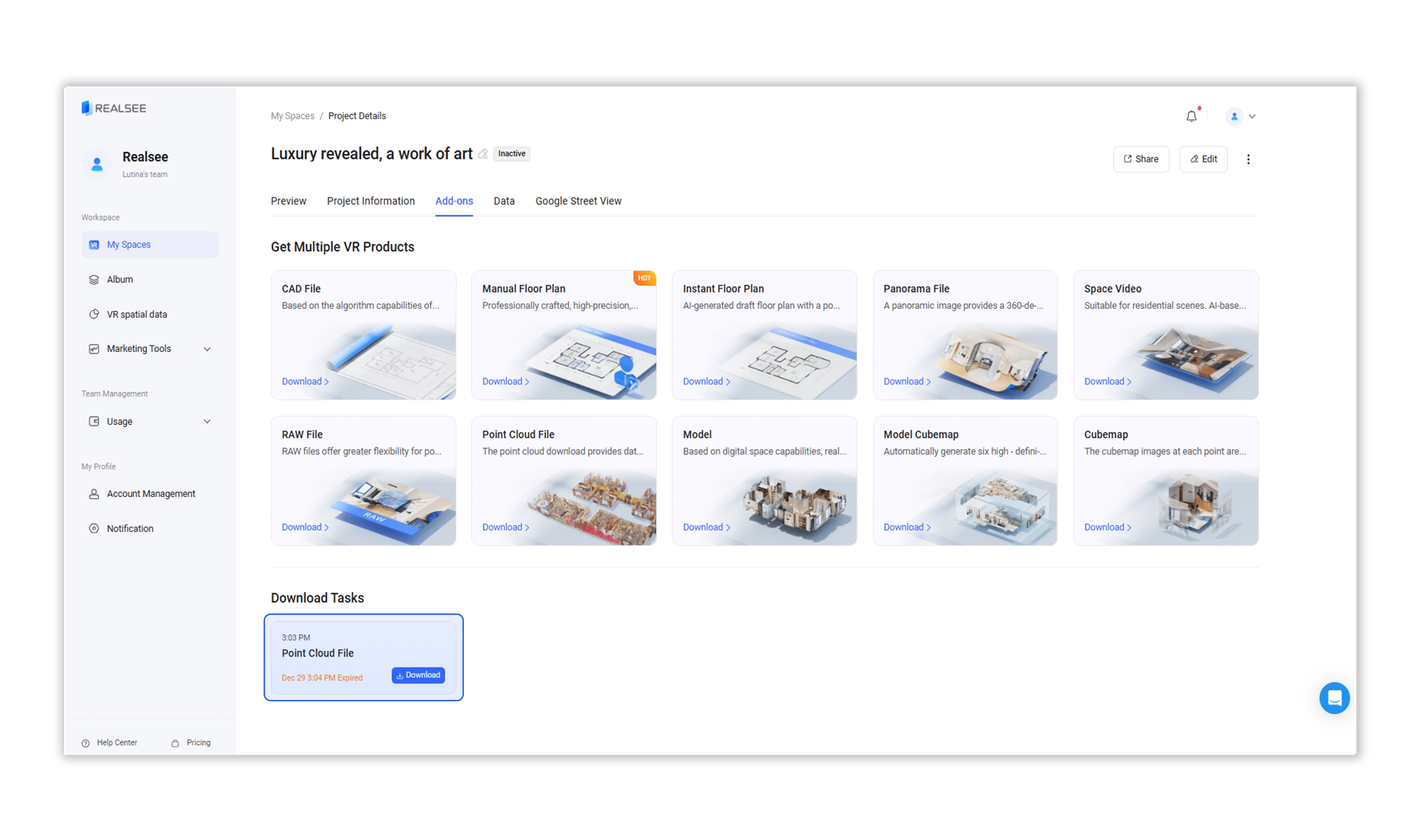
- Wait for the download task to be generated. Once ready, click the Download button to begin downloading.