Crédits Realsee

Pay As You Go. No Monthly Subscription.
- Buy credits only when you need them.
- Use credits to generate, activate, host, or download selected deliverables.
- Billing may vary by capture method, so you stay flexible across lightweight and professional workflows.



Realsee Credits – Unlock What You Need
No monthly subscription. Top up whenever you need credits for project generation, active hosting, or optional deliverables.

Free Features
Free to capture, upload, edit, preview, and store. Credits apply to generation or active hosting by capture method.

3D Tour Generation & Hosting
1 credit can generate or keep 1 tour active for 30 days. Usage depends on the capture method.

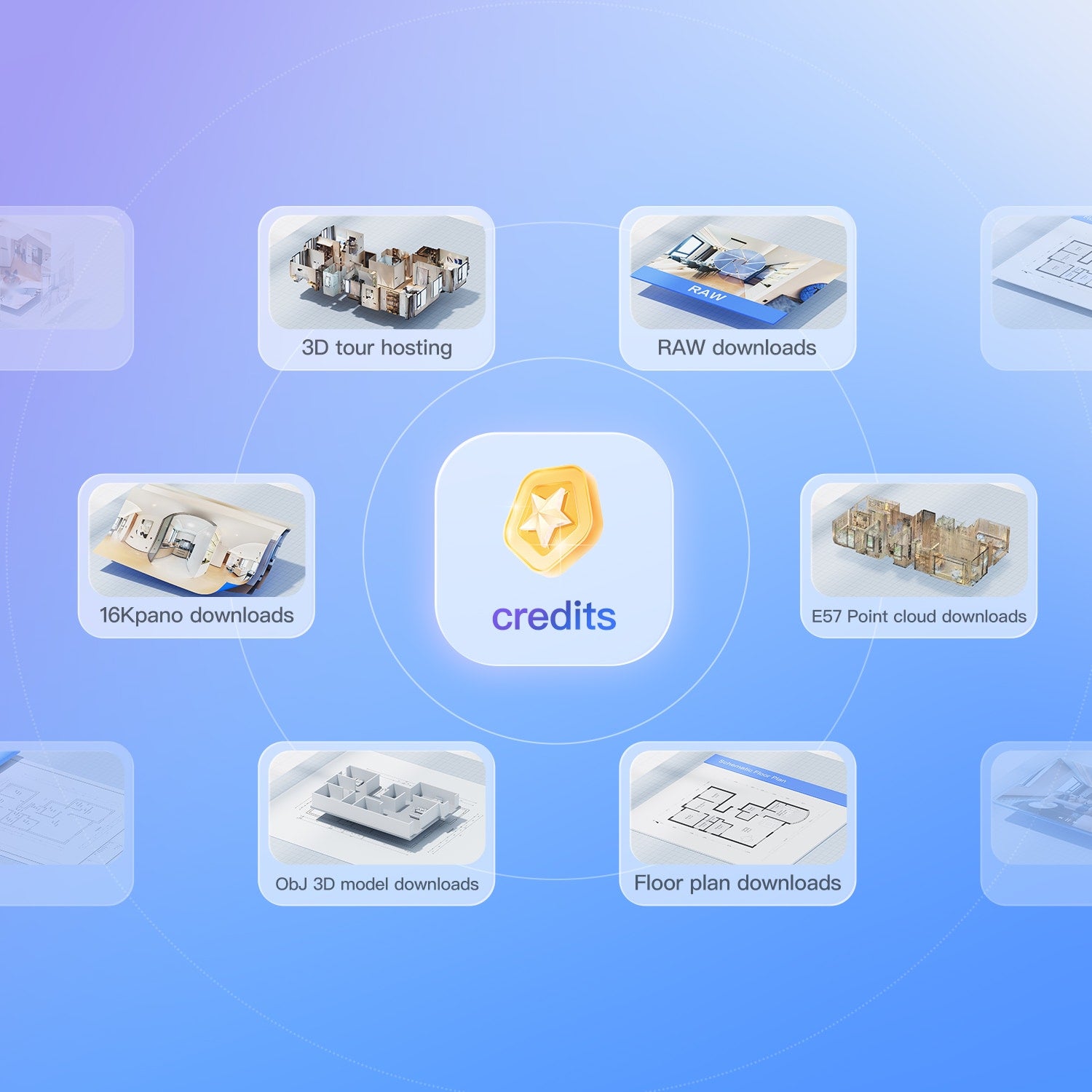
Point Cloud
High-precision point cloud (.e57, .ply), compatible with Autodesk, CloudCompare, and more

CAD
CAD is widely used in field such as engineering, architecture, and manufacturing

24K/16K Panorama
Download high-resolution panoramas for editing and presentation.

Raw lmage File
Download raw images for greater editing flexibility and professional quality HD results

3D Model
Multiple formats(.obj,.fbx, and .etc) can be used by professionals

Floor Plan (Instant)
Quickly and cost-effectively obtaining, modifying, and downloading floor plan

Floor plan (Manual)
A premium drawing service manually verified and drawn by our Realsee professional team.


Cases Studies
Real projects. Real results.


TechCopter’s journey with Realsee Galois highlights the transformative potential of VR and 3D scanning. By delivering high-resolution virtual tours and digital twins, the startup is helping businesses connect with audiences and streamline operations.


Realsee has been a game-changer for VirtuNex, enhancing the way we present properties with immersive and precise visuals. Their platform seamlessly integrates with our workflows, saving the time and delivering exceptional value to our clients. Highly recommended!


Co-founder and Director of 33Visual, specializing in corporate storytelling and aerial intelligence. For over 20 years, I’ve helped companies transform complex ideas into compelling visual narratives, integrating 3D scanning, drone operations, and immersive VR to capture projects across industries and continents.


Realsee Galois camera has become a cornerstone of their operations, delivering stunning visuals and unmatched efficiency


One Scan Multiple Outputs




FAQ
1. What does “virtual tour” mean?
- A 3D tour refers to the digital tour of a single space or project. It may include multiple floors, indoor and outdoor areas, and multiple capture points.
- The number of capture points supported may vary by device. Lightweight capture methods, such as mobile phones, 360 cameras, or G1/G2 gimbals, support up to 100 capture points per project. Galois 3D LiDAR projects can support up to 2,000 capture points per project.
2. What are Realsee Credits?
- Realsee Credits are used for project generation, active hosting, and selected downloadable deliverables or add-ons.
- Capture, upload, editing, preview, and storage are free. However, credits may be required when generating or activating a project, depending on the capture method.
- For Mobile, Gimbal, and 360 Camera projects, 1 credit is deducted when you tap Generate in the App. This includes project generation and the first 30 days of Active status.
- For Galois M2, Galois P4, and Poincaré projects, no credits are deducted during project generation. Credits are only used to maintain a project’s Active status.
- Credits can also be used to redeem selected deliverables, such as RAW image files, 24K/16K panoramas, 3D models, and point cloud files, depending on project type and availability.
3. Where can I check my credits after purchase?
- You can check your credit balance in your Realsee account.
- In the Realsee App, your available credits may appear when generating or activating a project, depending on the capture method.
- On desktop, log in to the Realsee Console and go to Team & Usage to view your current credit balance and usage records.
- We recommend keeping enough credits in your account before generating Mobile, Gimbal, or 360 Camera projects to ensure a smooth Generate-to-Activate workflow.
4. How long are my credits valid?
- Credits are valid for one year from the date of purchase. We recommend planning your usage wisely and purchasing the amount that best fits your project needs.
5. What can 40 credits do?
40 credits can be used in different ways, depending on your workflow.
For Galois M2, Galois P4, and Poincaré projects, 40 credits can keep:
- 40 projects active for 30 days;
- 20 projects active for 2 months;
- 10 projects active for 4 months;
- or other combinations based on your needs.
For Mobile, Gimbal, and 360 Camera projects, 40 credits can generate up to 40 projects, with each project including its first 30 days of Active status.
Credits can also be used for selected downloadable deliverables and add-ons, such as RAW image files, 24K/16K panoramas, 3D models, point cloud files.
Availability and credit requirements may vary by project type and deliverable.
6. What if I run out of credits?
- You can purchase more credits on this page at any time. Realsee uses a pay-as-you-go model with no monthly subscription.
- If you are using Mobile, Gimbal, or 360 Camera capture, please make sure you have enough credits before tapping Generate, since these projects use the Generate-to-Activate billing logic.
- If you are using Galois M2, Galois P4, or Poincaré, credits are not deducted during project generation. You will need credits when you want to keep a project Active for sharing.
7. Do all capture methods use credits the same way?
- No. Credit usage depends on the capture method.
- Mobile Capture, G1/G2 Gimbal, and 360 Camera projects use the Generate-to-Activate billing logic. This means 1 credit is deducted when you tap Generate, and the project becomes Active for 1 month after successful generation.
- Galois M2, Galois P4, and Poincaré projects continue to use the existing billing logic. No credits are deducted during project generation; credits are only used to maintain Active status.
8. Does saving a project locally consume credits?
- No. Simply tapping Save to store data locally without uploading for generation does not consume credits.
- Credits are deducted when a Mobile, Gimbal, or 360 Camera project is uploaded and submitted for generation.
9. Are existing projects affected by the updated billing logic?
- No. Projects generated before the effective date of the updated billing logic will retain their original billing logic and will not be affected by this change.
- The updated billing logic applies to new Mobile, Gimbal, and 360 Camera projects generated after the effective date.



Download Realsee VR App or sign up to explore pre-made 3D tours.